User Manual of Network Camera
119
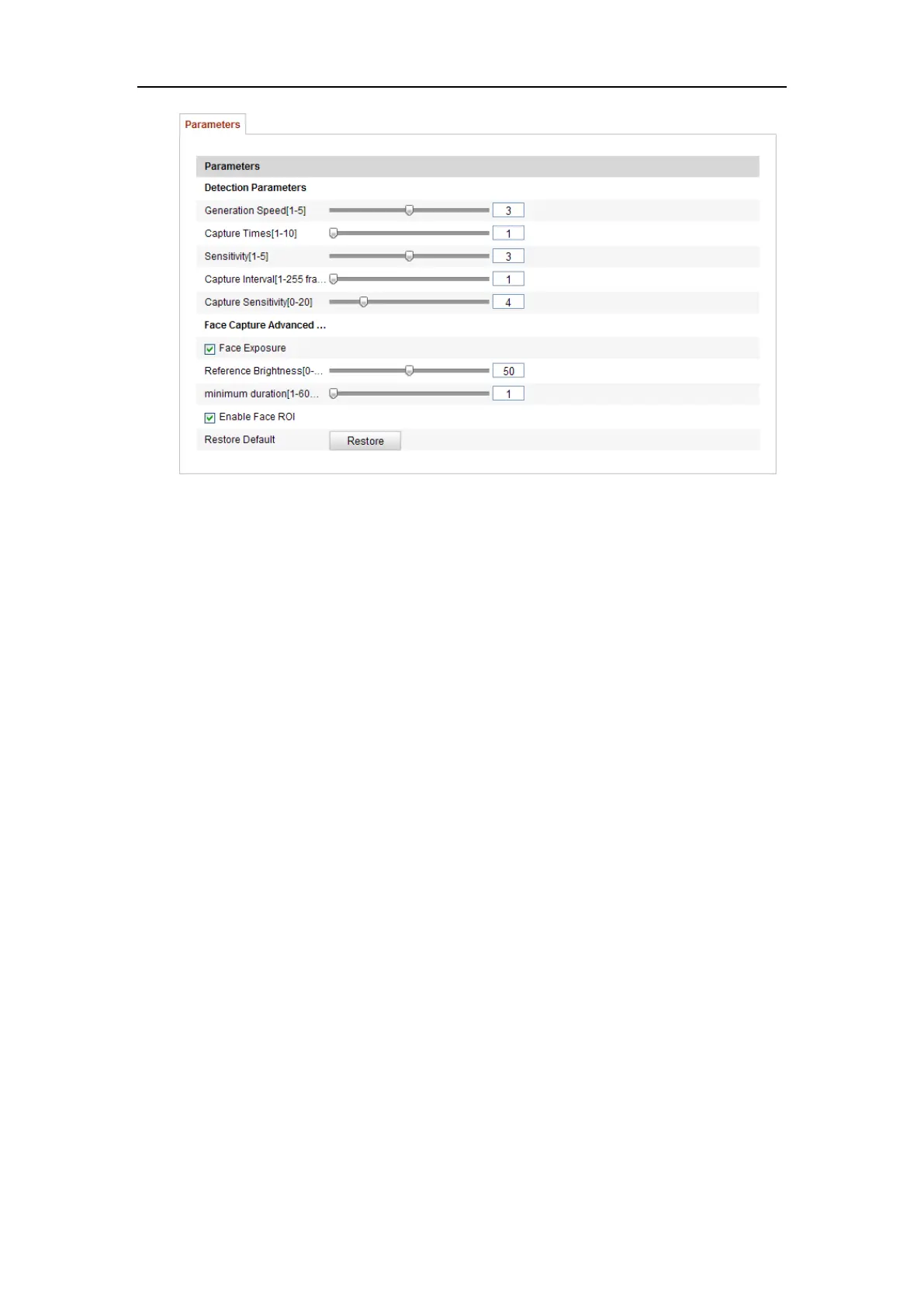
Figure 6-71 Advanced Configuration
6.8.3 People Counting
Purpose:
People function is used to calculate the number of object entered or exited a certain
configured area and is widely applied to the entrances or exits.
Notes:
⚫ Compared with the counting function supported by the Non-iDS camera, the
people counting requires for calibration settings for better counting accuracy.
⚫ It is recommended to install the camera as right above the entrance/exit as
possible, and make sure it is horizontal to improve the counting accuracy.
Steps
:
❖ People Counting Configuration
1. Enter the Counting Configuration interface:
Configuration > Advanced Configuration > People Counting















 To Next Page