User Manual of Network Camera
77
Figure 6-37 Font Color-Custom
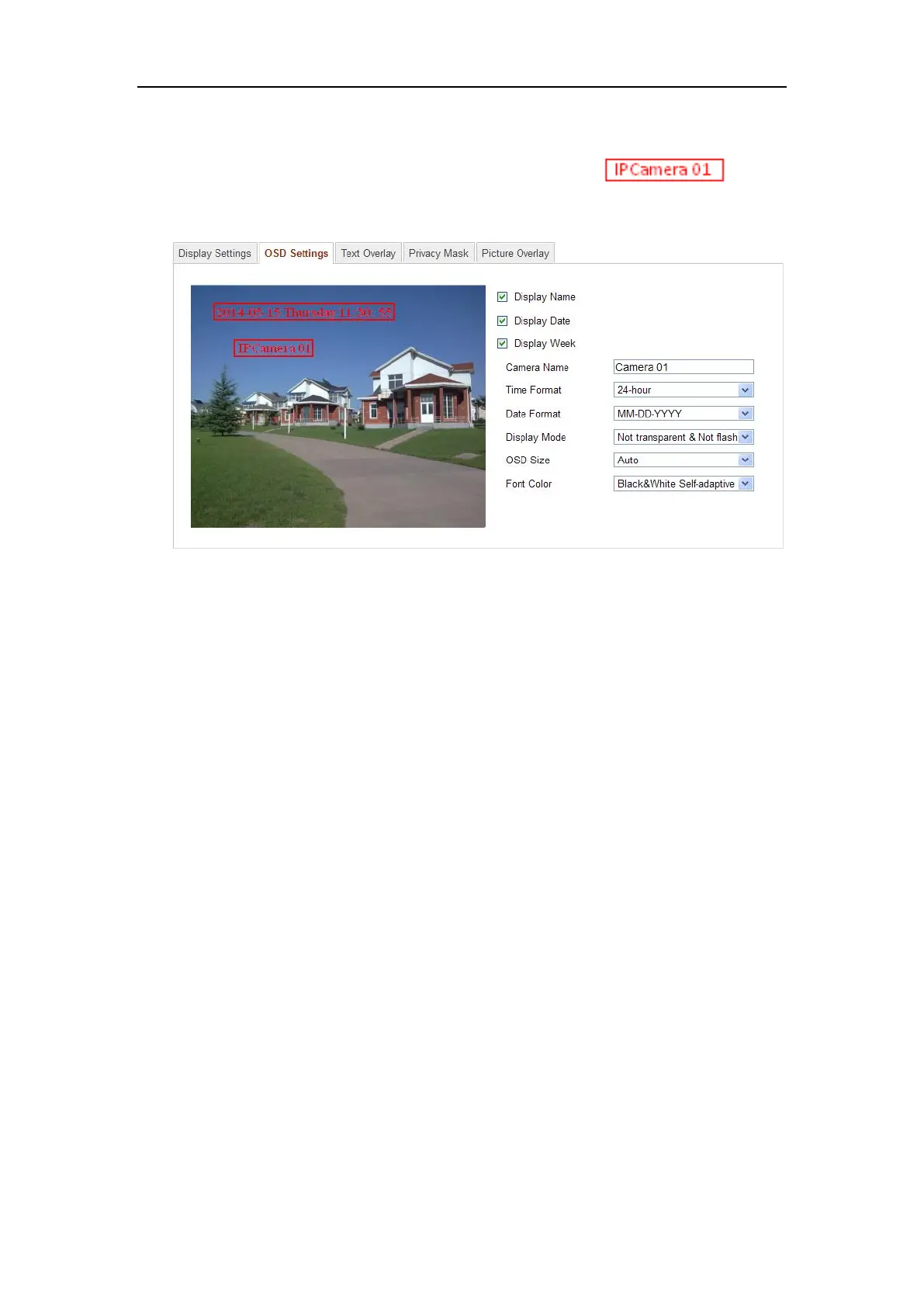
6. You can use the mouse to click and drag the text frame in the
live view window to adjust the OSD position.
Figure 6-38 Adjust OSD Location
7. Click Save to activate the above settings.
6.5.3 Configuring Text Overlay Settings
Purpose:
You can customize the text overlay.
Steps:
1. Enter the Text Overlay Settings interface:
Configuration > Advanced Configuration > Image > Text Overlay















 To Next Page