User Manual of Network Camera
67
Input Volume: 0-100
Environmental Noise Filter: Set it as OFF or ON. When the function is enabled,
the noise in the environment can be filtered to some extent.
3. Click Save to save the settings.
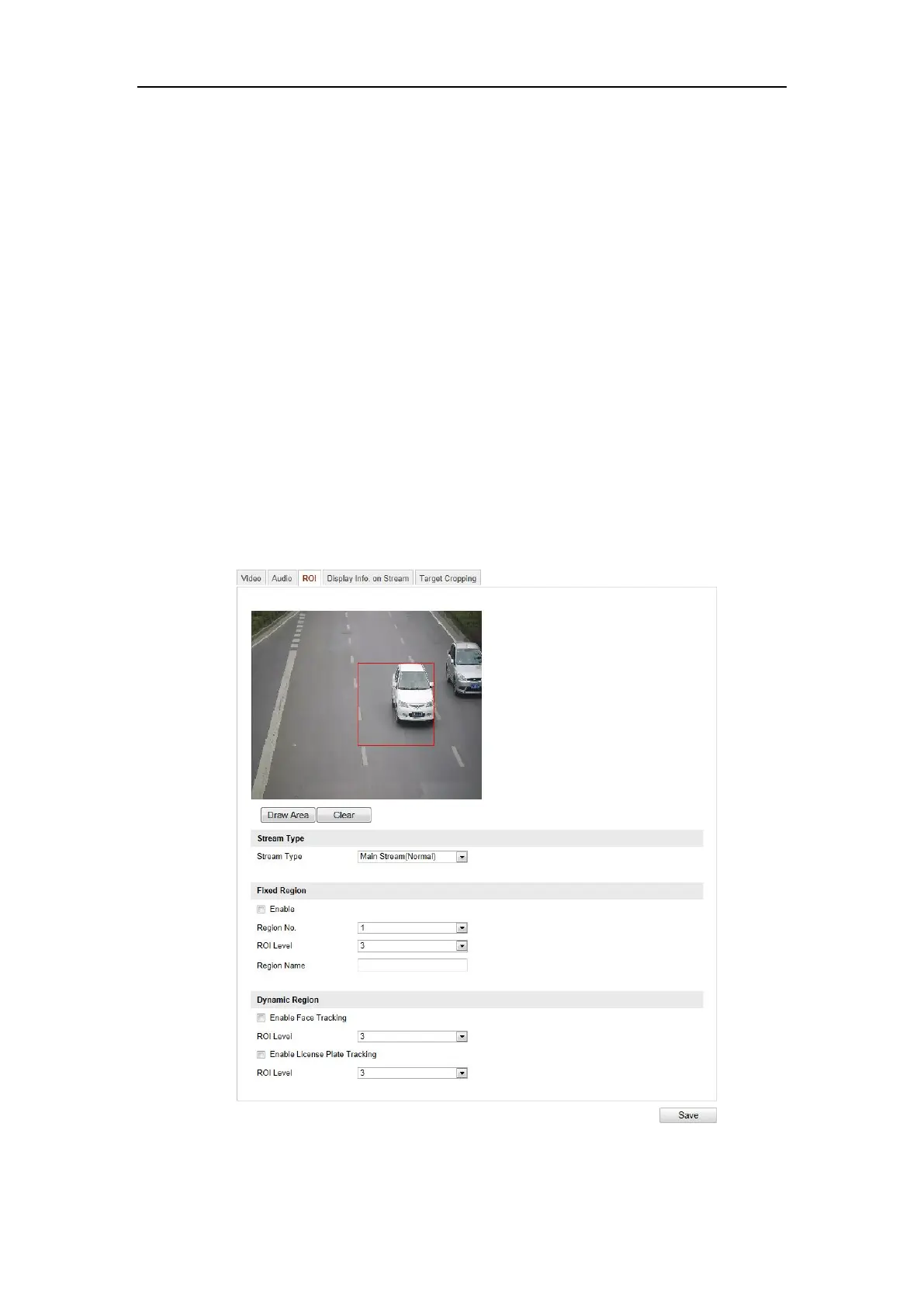
6.4.3 Configuring ROI Encoding
Purpose:
ROI (Region of Interest) encoding helps to discriminate the ROI and background
information in video compression, which means, the technology assigns more
encoding resource to the region of interest, thus to increase the quality of the ROI
whereas the background information is less focused.
Note: ROI function varies according to different camera models.
Figure 6-29 Region of Interest Settings















 To Next Page