User Manual of Network Camera
70
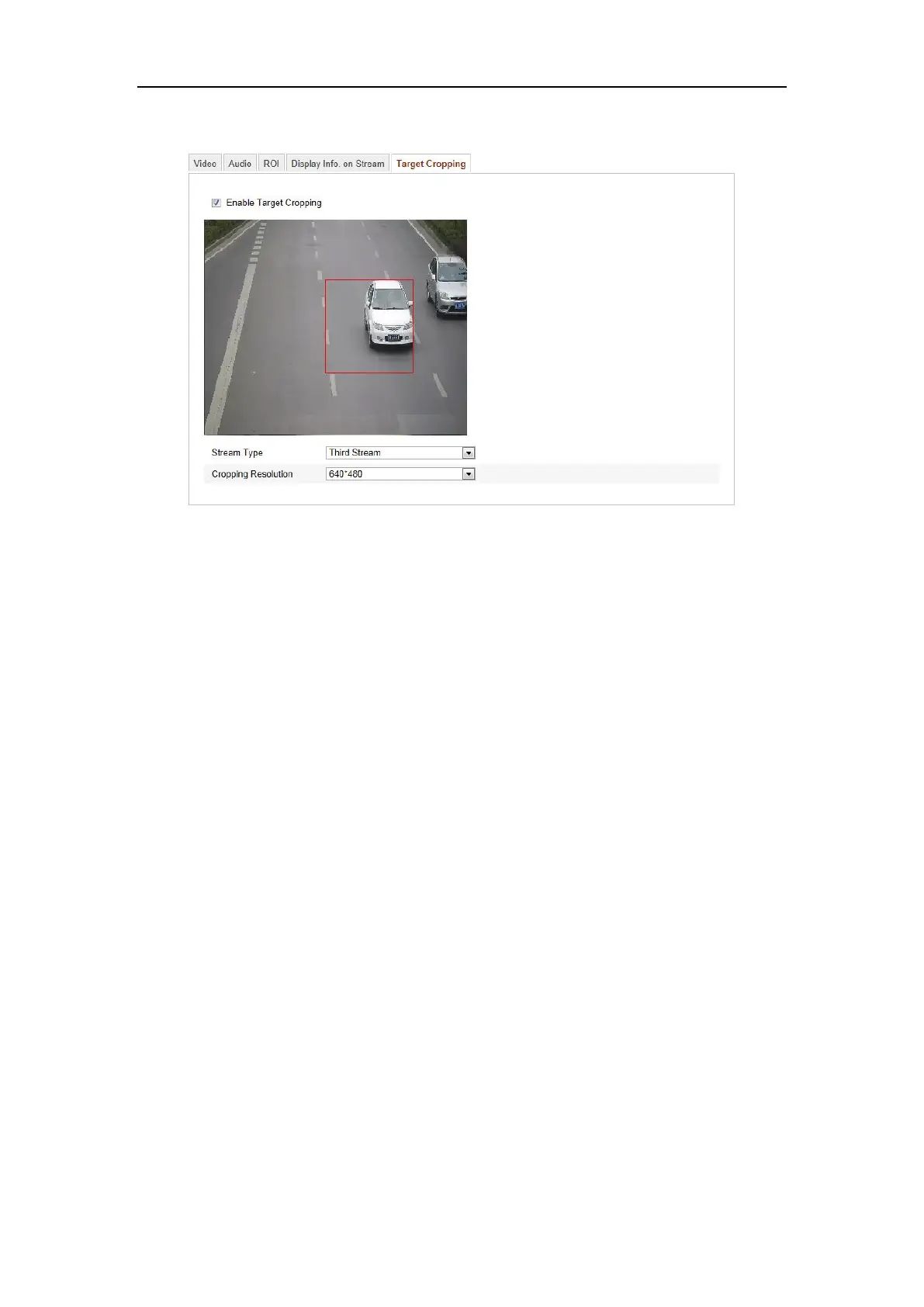
Third Stream tab to view the video of the target area.
Figure 6-31 Target Cropping
6.5 Configuring Image Parameters
6.5.1 Configuring Display Settings
Purpose:
You can set the image quality of the camera, including brightness, contrast, saturation,
hue, sharpness, etc.
Note: The display parameters vary according to the different camera model. Please
refer to the actual interface for details.
Steps:
1. Enter the Display Settings interface:
Configuration > Basic Configuration> Image> Display Settings
Or Configuration > Advanced Configuration> Image> Display Settings
2. Set the image parameters of the camera.
Note: In order to guarantee the image quality in the different illumination, it provides
two sets of parameters for user to configure.
Day/Night Auto-switch















 To Next Page