User Manual of Network Camera
99
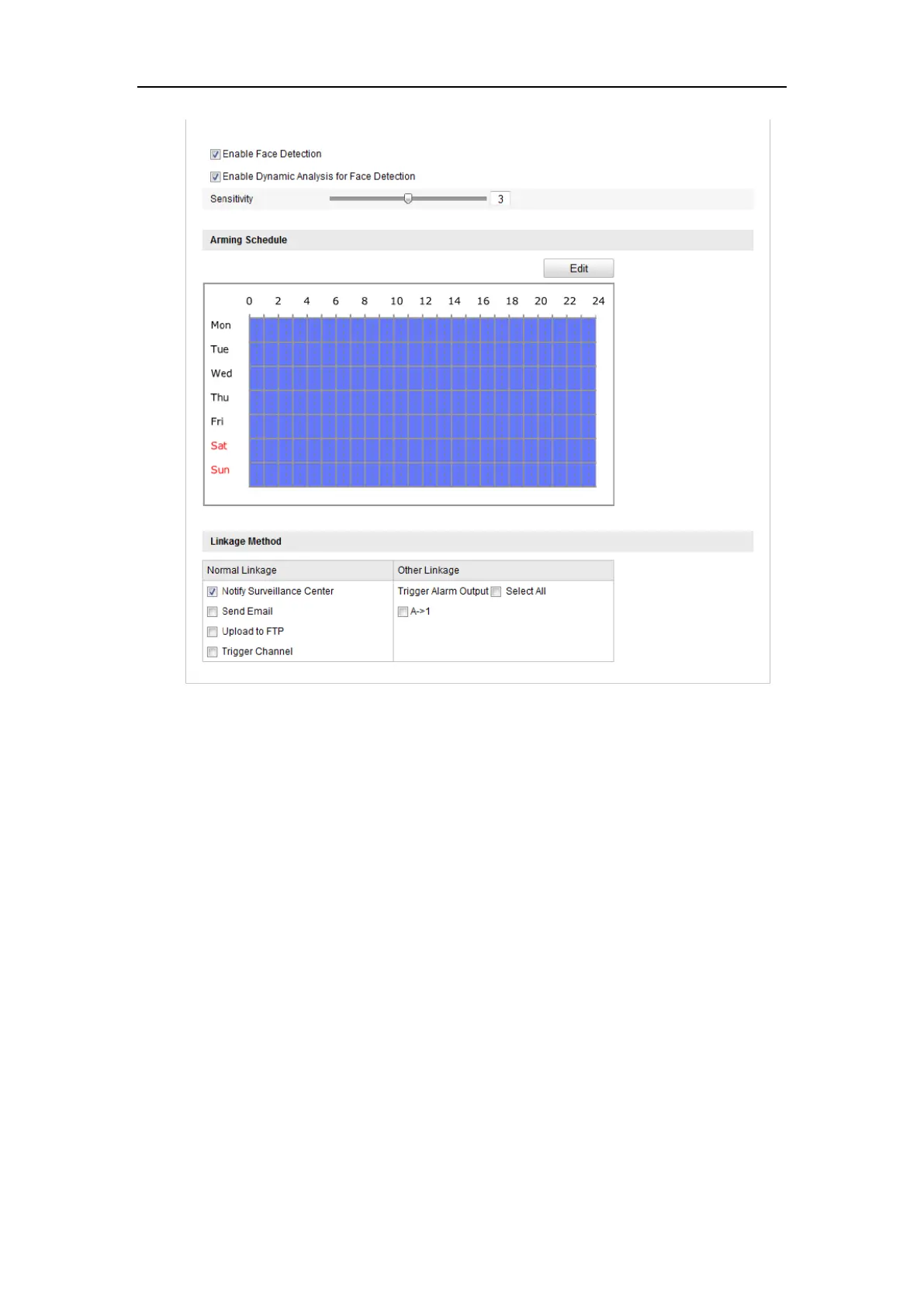
Figure 6-59 Configuring Face Detection
6.7.5 Configuring Line Crossing Detection
Purpose:
Line crossing detection function detects people, vehicle or other objects which cross a
pre-defined virtual line, and some certain actions can be taken when the alarm is
triggered.
Note: Line crossing detection function varies according to different camera models.
Steps:
1. Enter the Line Crossing Detection settings interface:
Configuration> Advanced Configuration> Smart Event> Line Crossing
Detection
2. Check the checkbox of Enable Line Crossing Detection to enable the function.















 To Next Page