User Manual of Network Camera
156
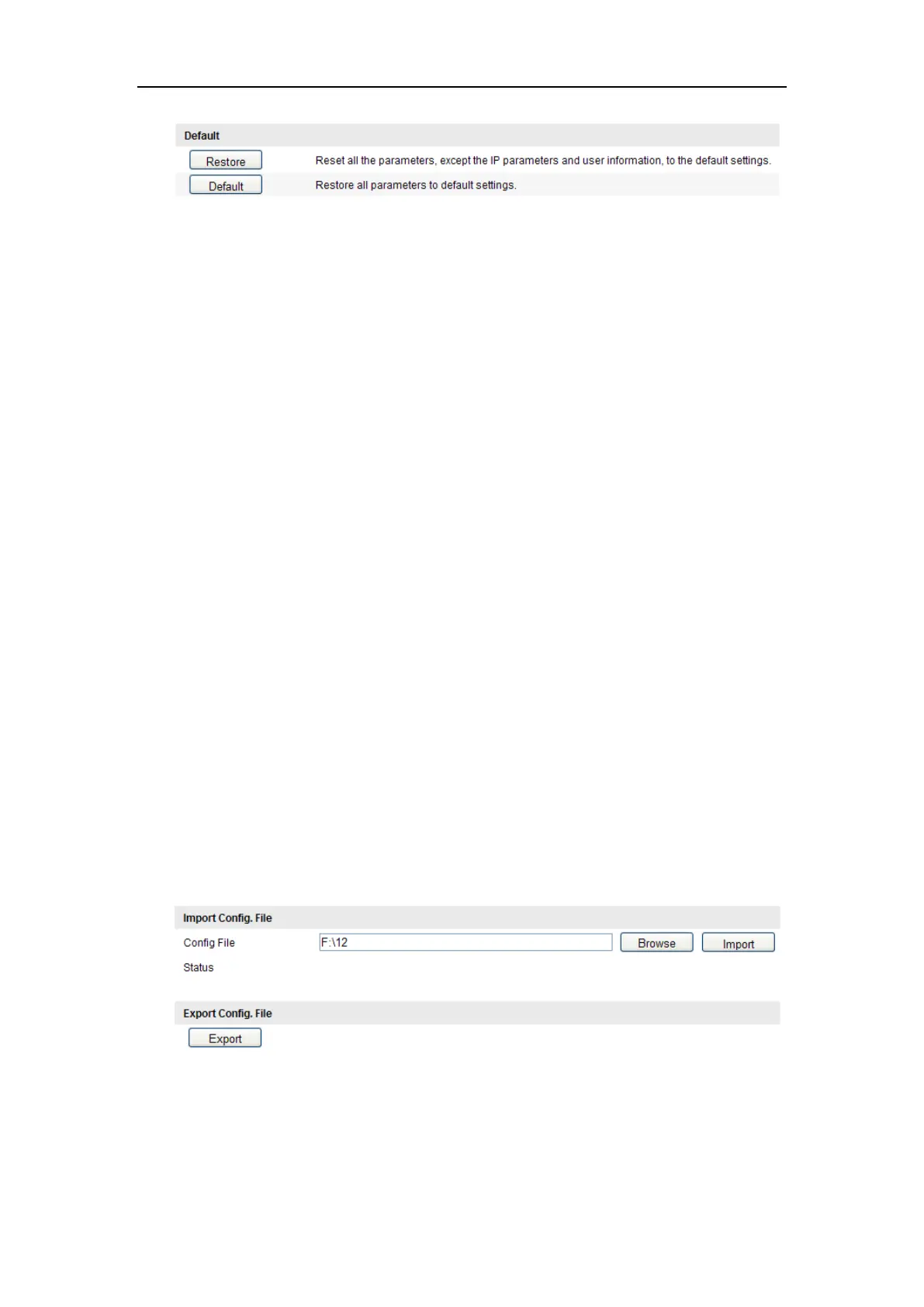
Figure 11-13 Restore Default Settings
Note: After restoring the default settings, the IP address is also restored to
the default IP address, please be careful for this action.
11.7.3 Exporting / Importing Configuration File
Purpose:
Configuration file is used for the batch configuration of the camera, which can
simplify the configuration steps when there are a lot of cameras needing configuring.
Steps:
1. Enter the Maintenance interface: Configuration > Basic Configuration> System >
Maintenance, or Configuration>Advanced Configuration> System > Maintenance
2. Click Export to export the current configuration file, and save it to the certain
place.
3. Click Browse to select the saved configuration file and then click Import to start
importing configuration file.
Note: You need to reboot the camera after importing configuration file.
4. Click Export and set the saving path to save the configuration file in local
storage.
Figure 11-14 Import/Export Configuration File















 To Next Page