User Manual of Network Camer
166
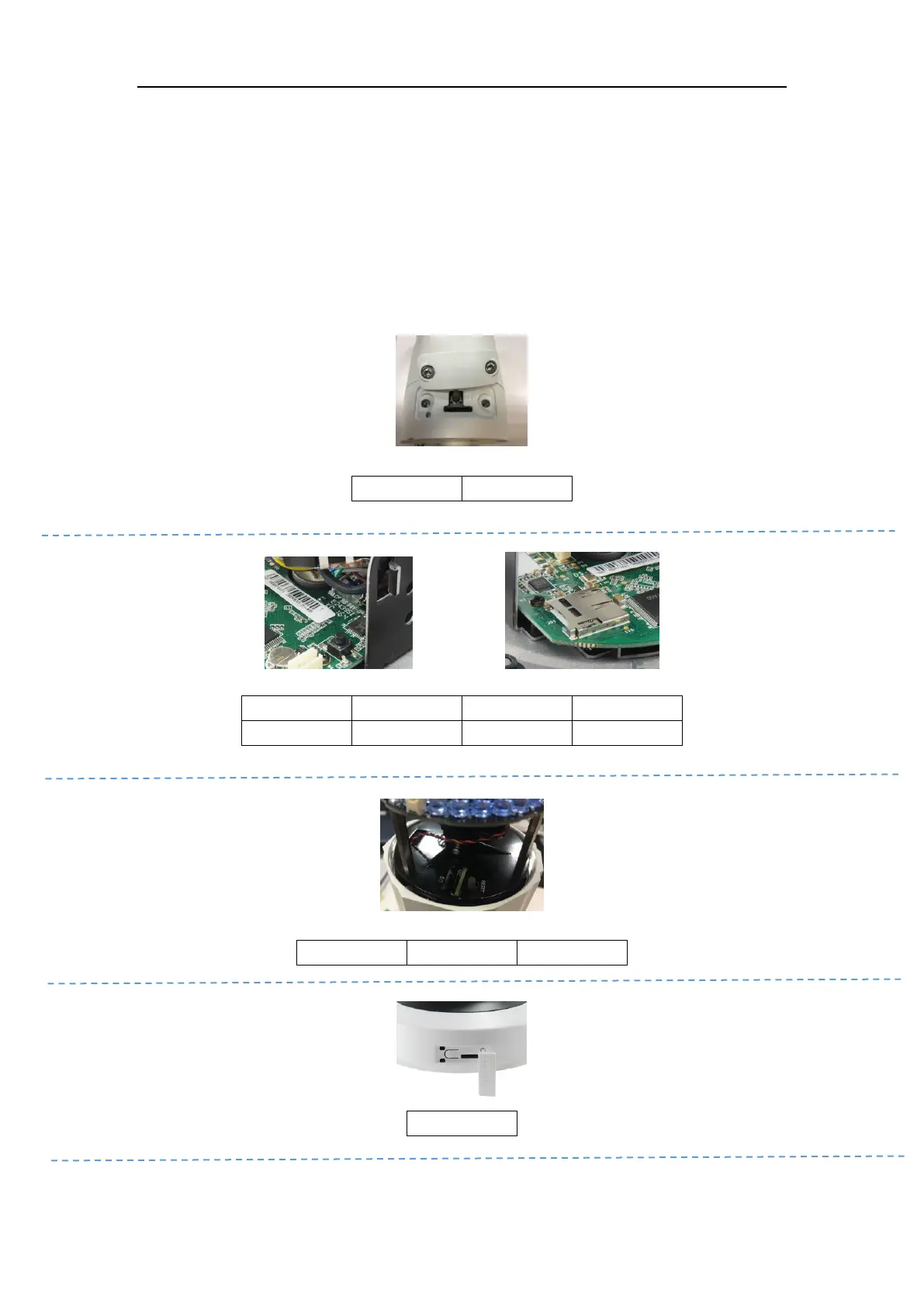
Unscrew the microSD/RESET/ Cover, and you can see the RESET button and the microSD card slot.
Press RESET about 10s when the camera is powering on or rebooting to restore the default settings,
including the user name, password, IP address, port No., etc.
Reset Button & SD card Slot Position
Appendix A. microSD Card Slot & RESET Button (Optional)















 To Next Page