User Manual of Network Camera
17
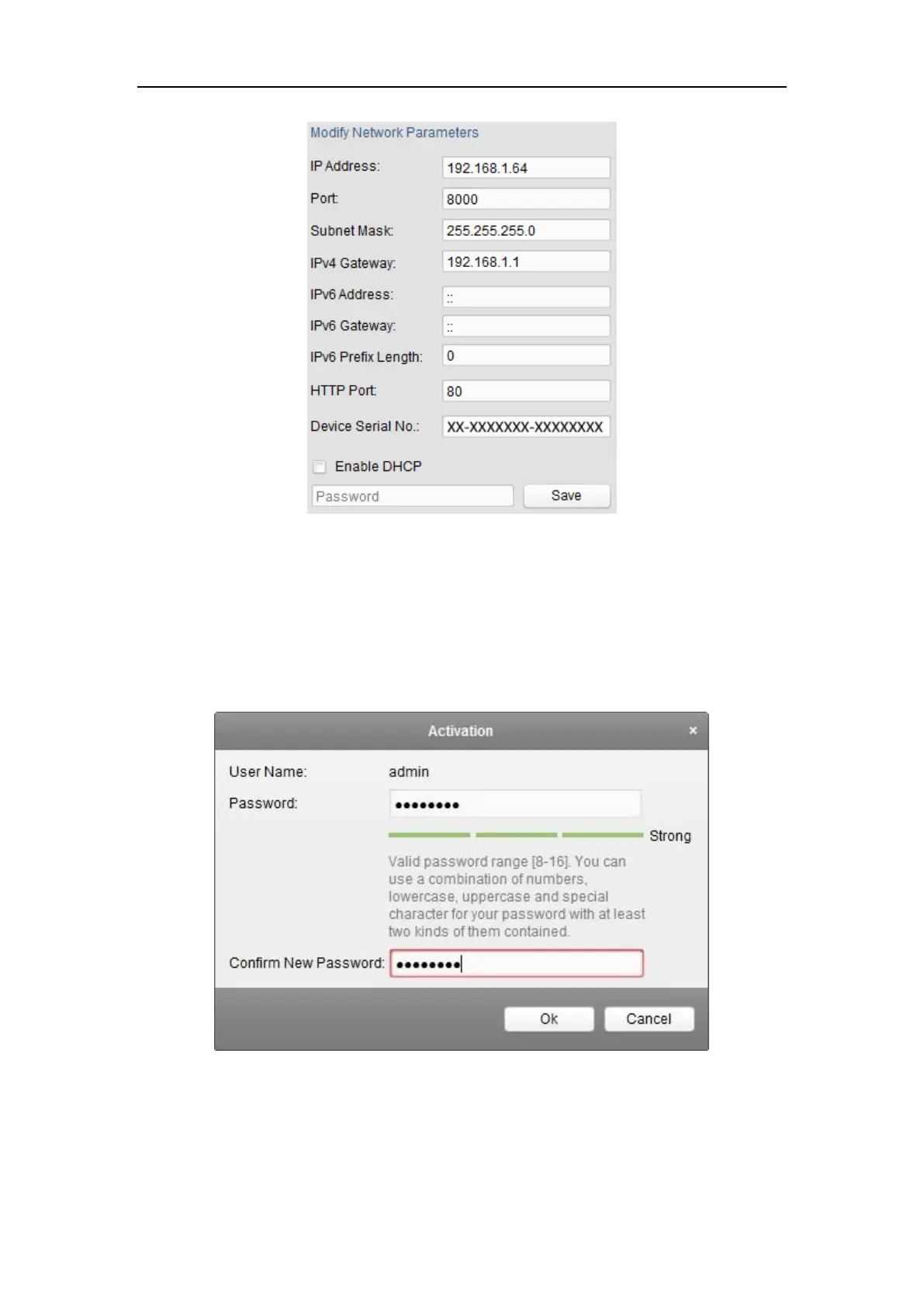
Figure 2-5 Modify the IP Address
6. Input the password and click the Save button to activate your IP address
modification.
Figure 2-6 Creating a Password via Client Software
1. Click OK button to start activation.
2. Click the Modify Netinfo button to pop up the Network Parameter Modification
interface, as shown in the figure below.















 To Next Page