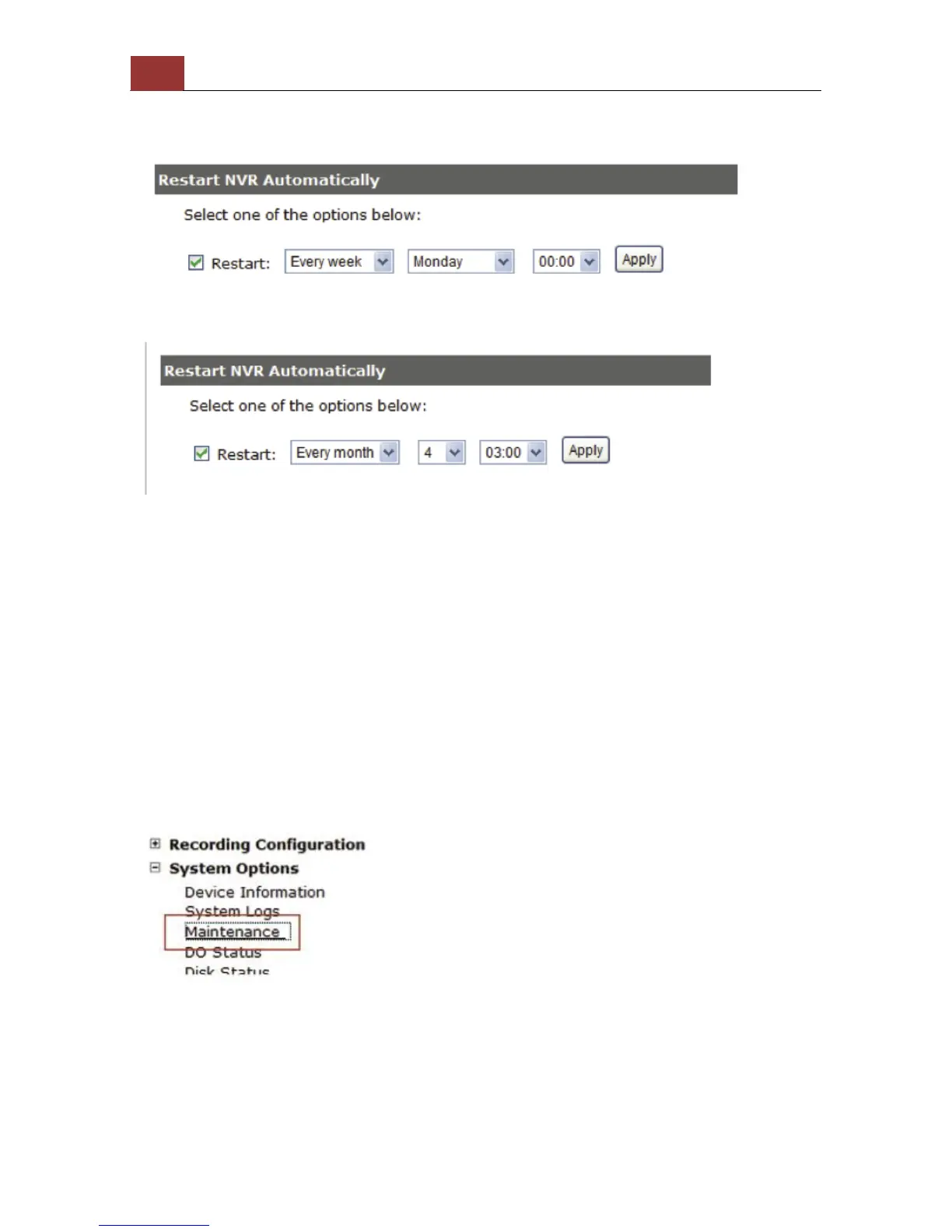
Reboot the NVR at a specific time automatically
You can configure the NVR to restart automatically by using the
options given in the web UI. You can set the NVR to restart at a
particular hour of a specific day during a week or a month.
Firmware Upgrade
The firmware can be upgraded through web UI or USB. Before
upgrading firmware, please backup configuration in advance.
** the firmware file comes with a “.tar.gz” file extension,
please use the file as is, DO NOT unzip it. It’s normal that you
may only see “.tar” as the file extension in Windows as the OS
hide the known file extension by default.
Through the web interface
Login into NVR’s web management UI. Go to "Setup" page and go to
"System Options"->"Maintenance"



 To Next Page