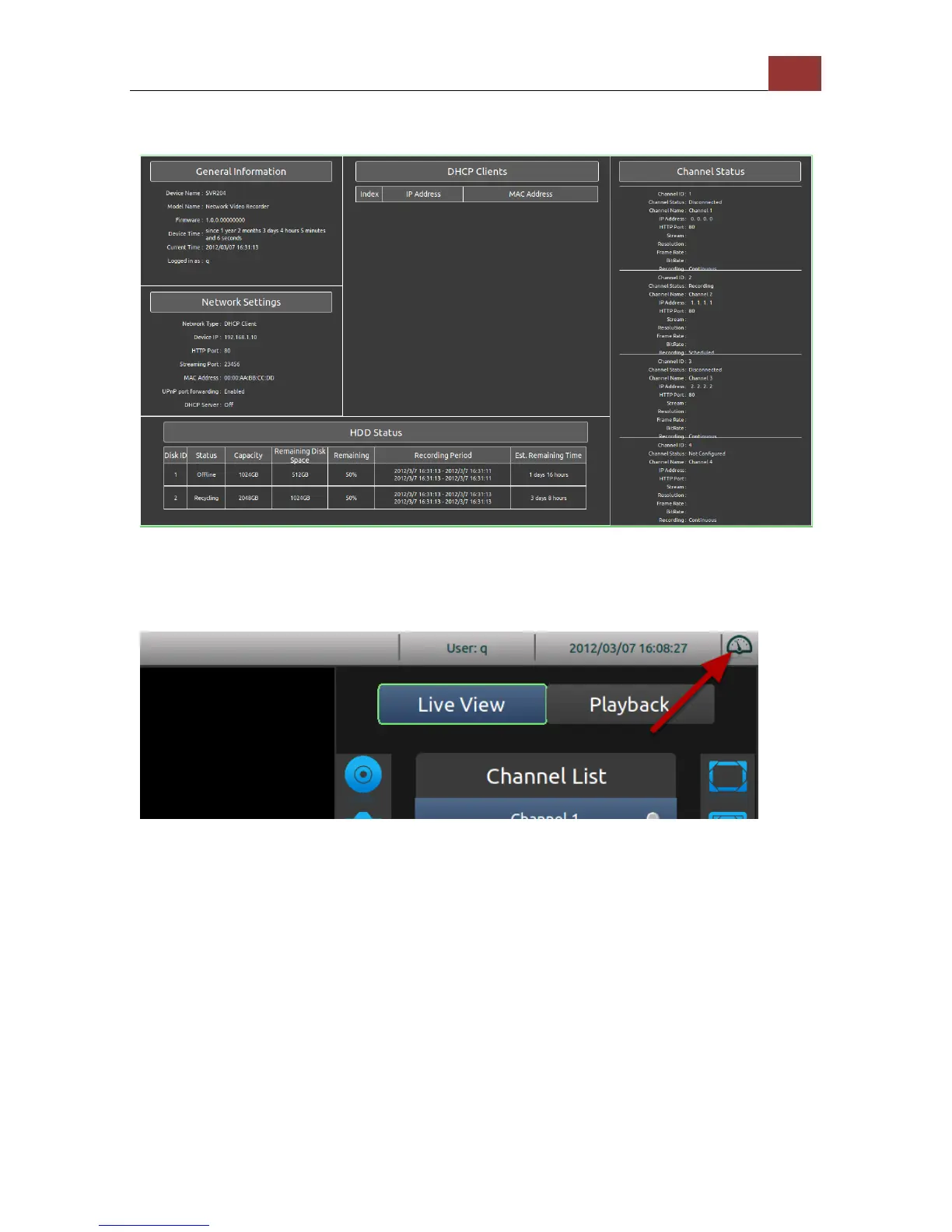
Dashboard
The dashboard provide a detail overview of the system wide
information, such as network settings, disk status, and channel status.
Press the "BACK" button on the remote to exit.
The dashboard is located in the upper-right hand corner and presses
the "Up" button on the remote until the selection focus is on the
dashboard icon. Press the "ENTER" button to enter dashboard.



 To Next Page