Once the image is digitally zoomed in, use the mouse scroll button to
further zoom on or zoom out the image. Hold and left-click on the
image and move the mouse to move the zoomed in video.
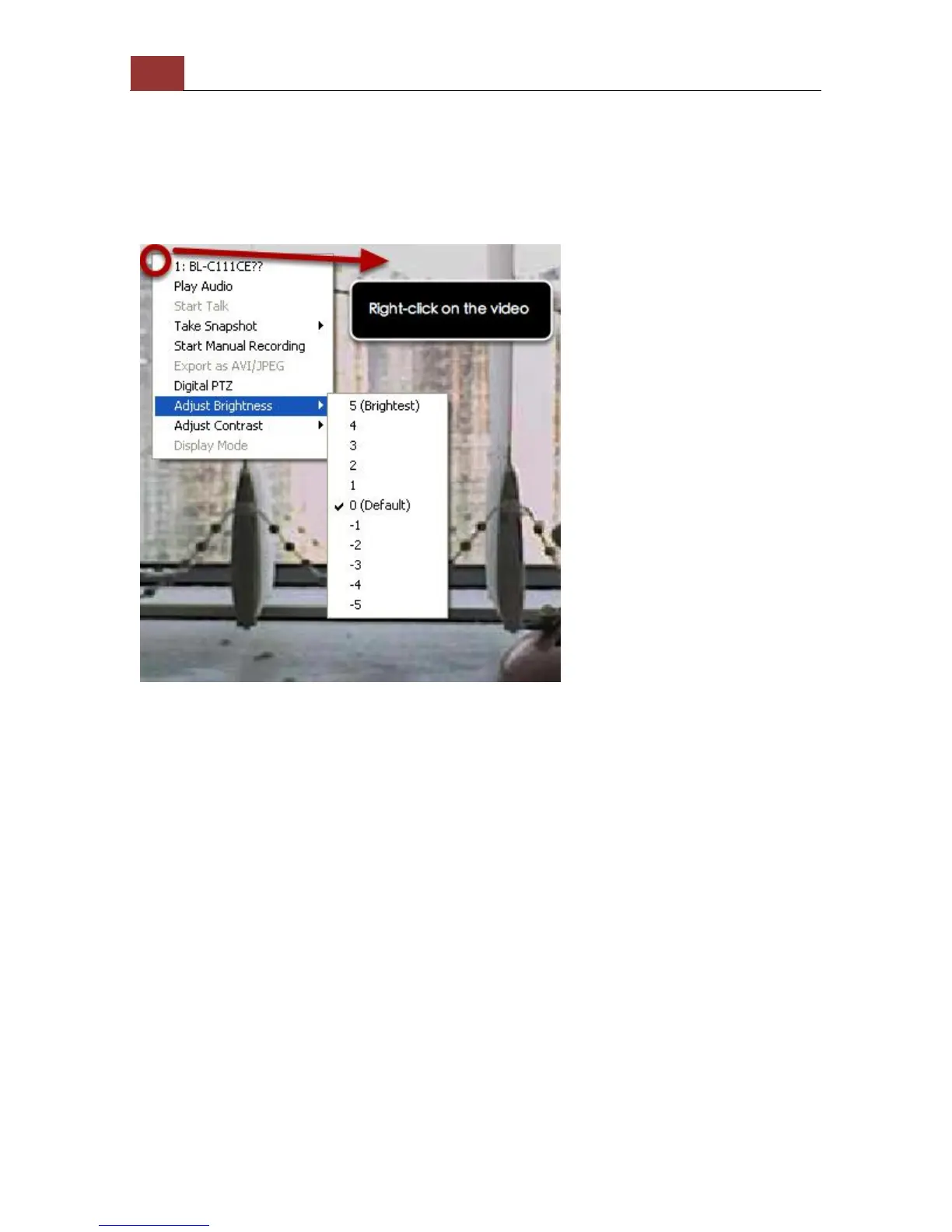
Adjust Brightness for the Live Video
You are able to adjust brightness of the live video from the right-click
menu.



 To Next Page