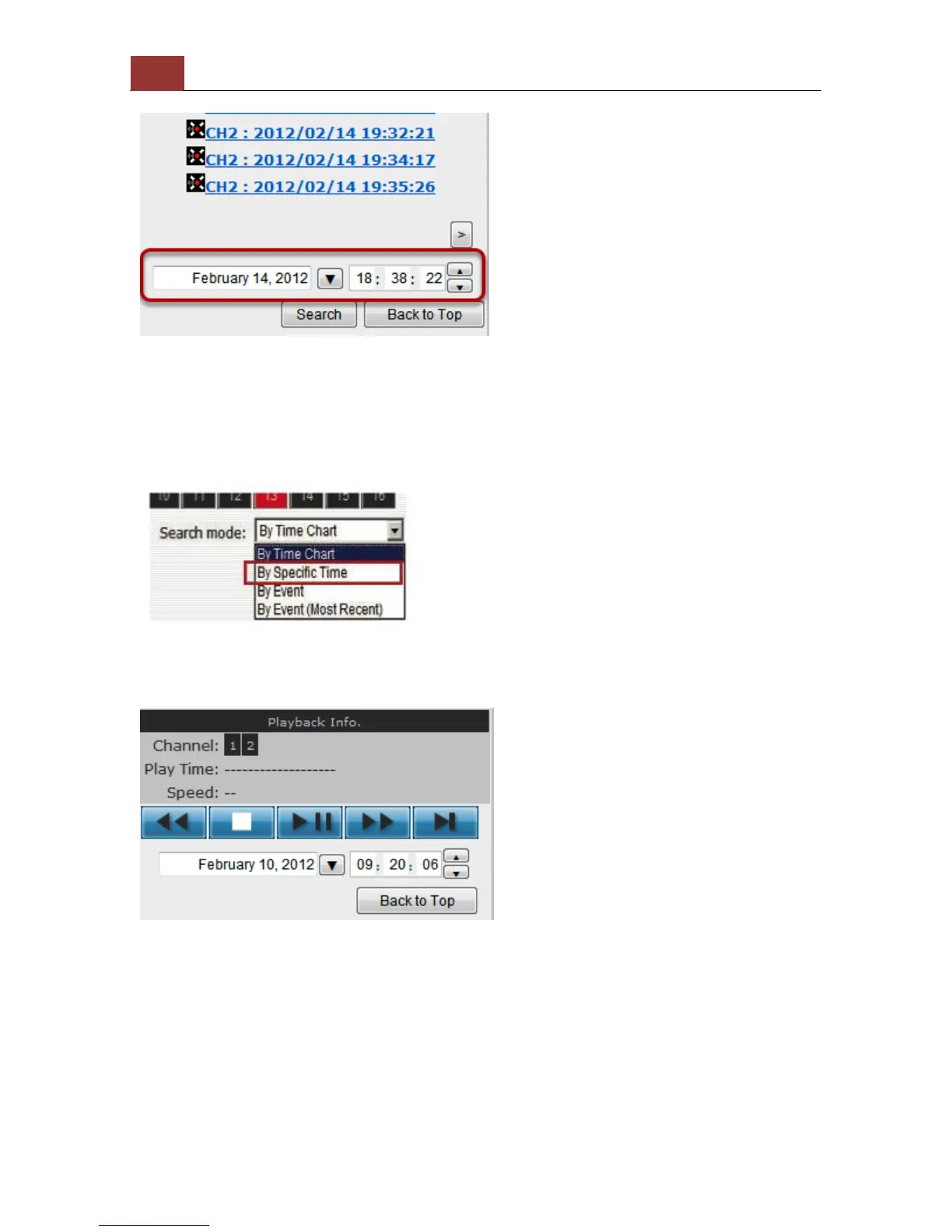
You may also specify a new start time to search and display results
from then on. You can restrict the number of results to be displayed at
once (max. 30) and perform the search again
Play by specific time
If you know when a recording was taken place, you may choose the
“Play by start time” from the “Search Method” drop-down list
Then you will be prompted to enter a specific time and date for the
recorded video.



 To Next Page