When the NVR receives an event triggered from any of the cameras,
their videos will be displayed on the E-Map and you can double-click
on the video to enlarge it.
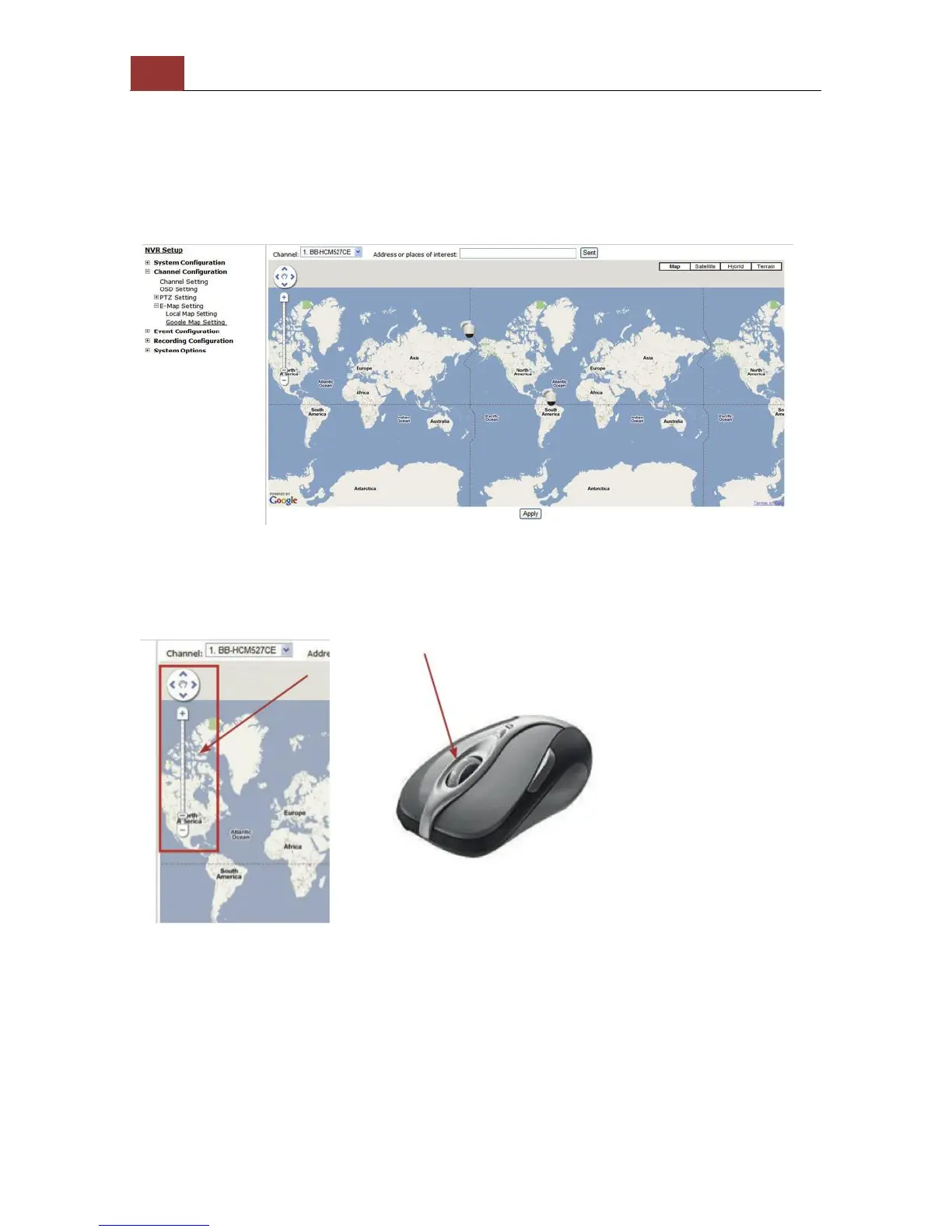
Google Map Setting
The Google Map monitor is a similar function to the aforementioned E-
Map monitor. It is useful if you are managing multiple cameras from
different locations.
To configure locations of each camera, first determine the location
you’d like to place the camera to on the map. You can do so by:
1. Zoom in to a smaller area by using the zoom control bar on the map
2. Zoom in to a smaller area by using the mouse scroll button



 To Next Page