Perform Sequence Viewing
Sequence view is a function that allows you to view multiple video
streams from certain cameras in sequence automatically without
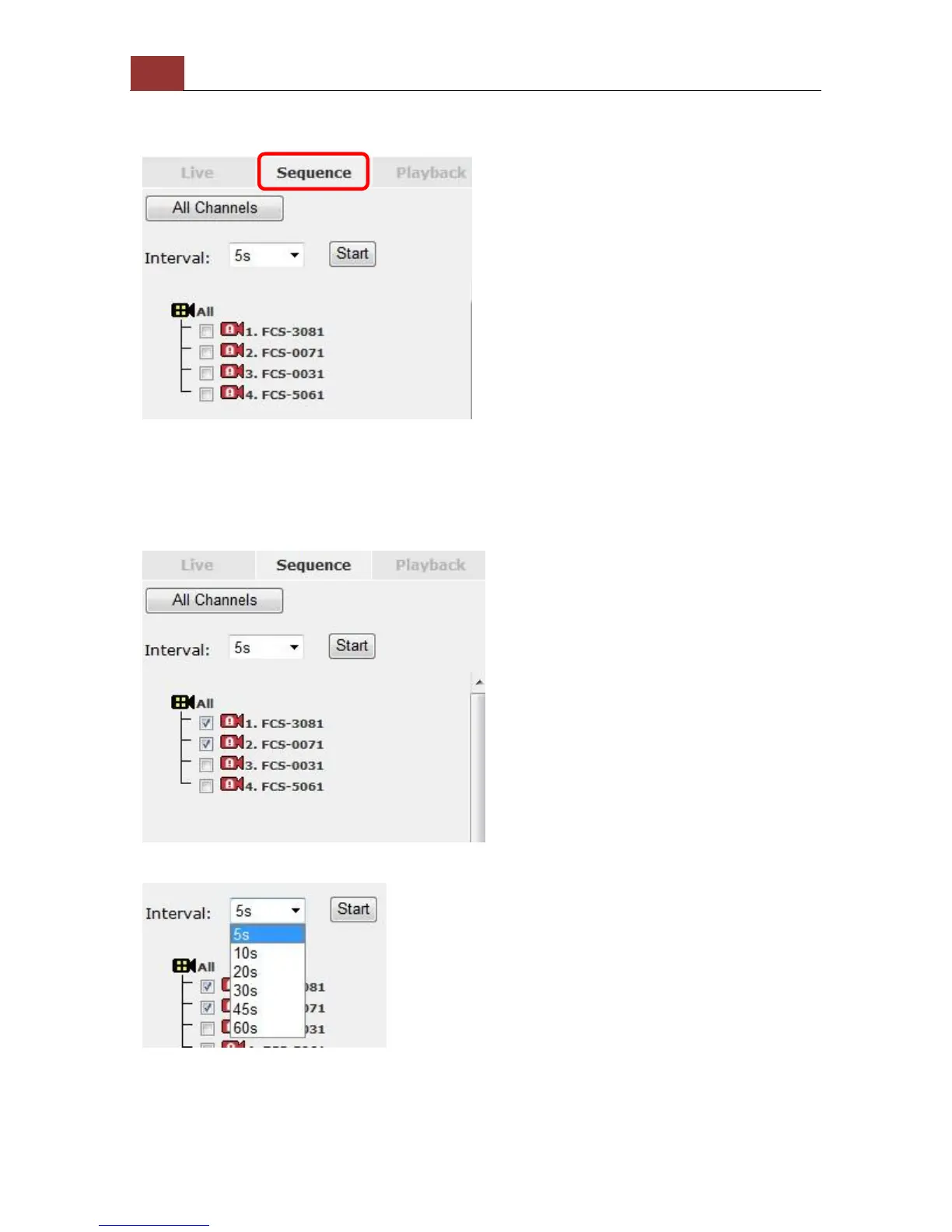
having to select them one by one. To perform sequence view, select
“SEQ View” from the upper-left hand corner
Next, select one or more camera(s) for sequence viewing:
Then, select dwell interval from the drop-down menu and click "Start"
to begin.



 To Next Page