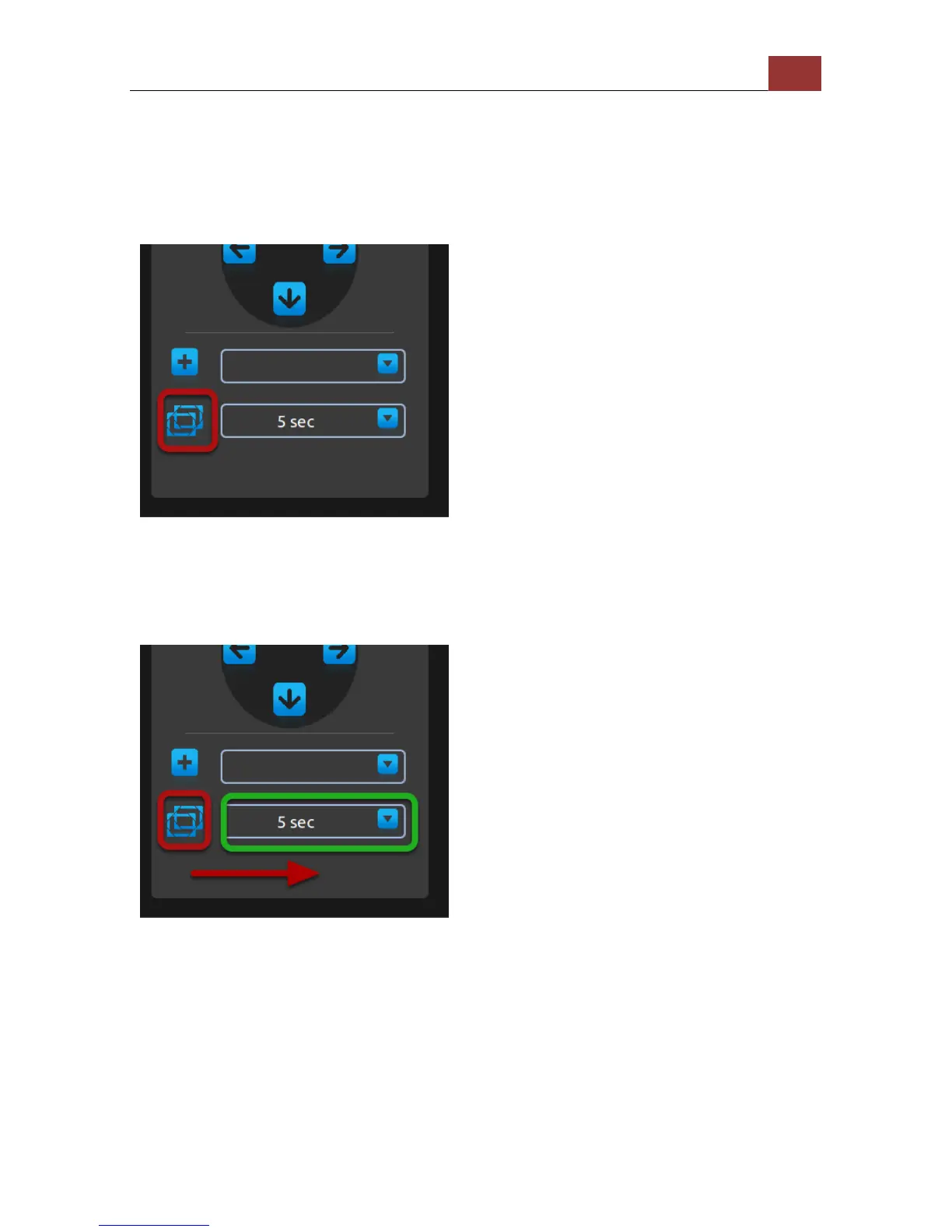
Move the selection focus to the "Add preset point" icon and press the
"ENTER" button on the remote will add the current live video as a
preset point.
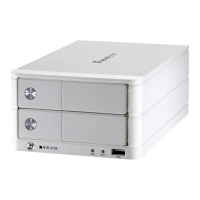
Preset point sequence view
Once you have multiple preset points added, press the "Down" button
on the remote to select the "Preset point sequence view" icon. Press
"ENTER" button on the remote to start sequence view between
previously added preset points. Press "ENTER" again to stop.
When the focus is on "Preset point sequence view" icon, press the
"Right" button will move the focus to the preset point sequence view
interval drop-down menu. Press the "ENTER" button on the remote will
pull down the menu and use "Up" and "Down" buttons on the remote
to move between selections. Press the "ENTER" button again to make
the selection.


 To Next Page