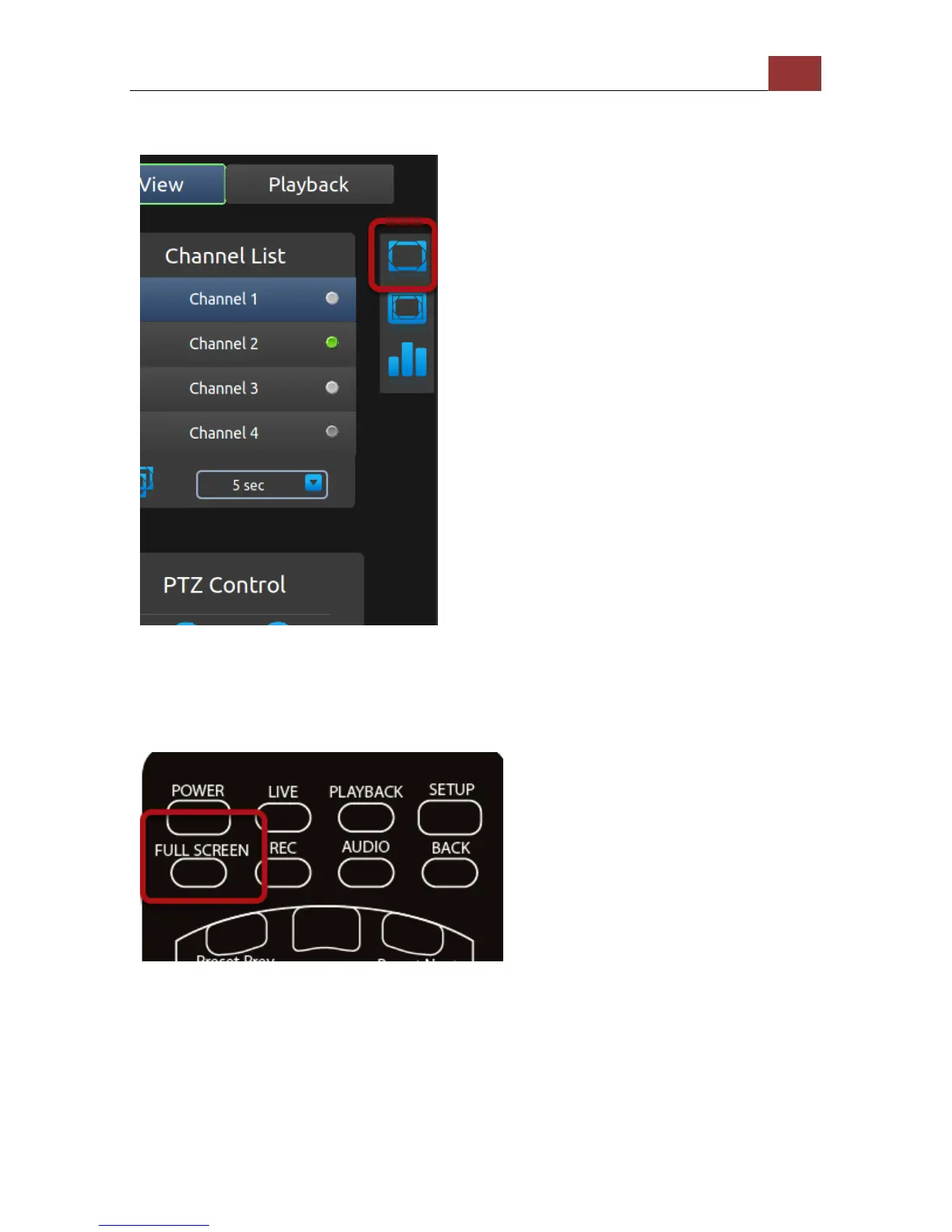
Full Screen
To view video in full screen, press the "Right" button on the remote
and move the selection focus to the full screen icon (as shown above).
Once selected, press the "ENTER" button on the remote to enter full
screen view. Click the "BACK" button on the remote control to exit.
Alternatively, you can quickly go into full screen mode by pressing the
"FULL SCREEN" button on the remote. Press the "BACK" button to exit.



 To Next Page