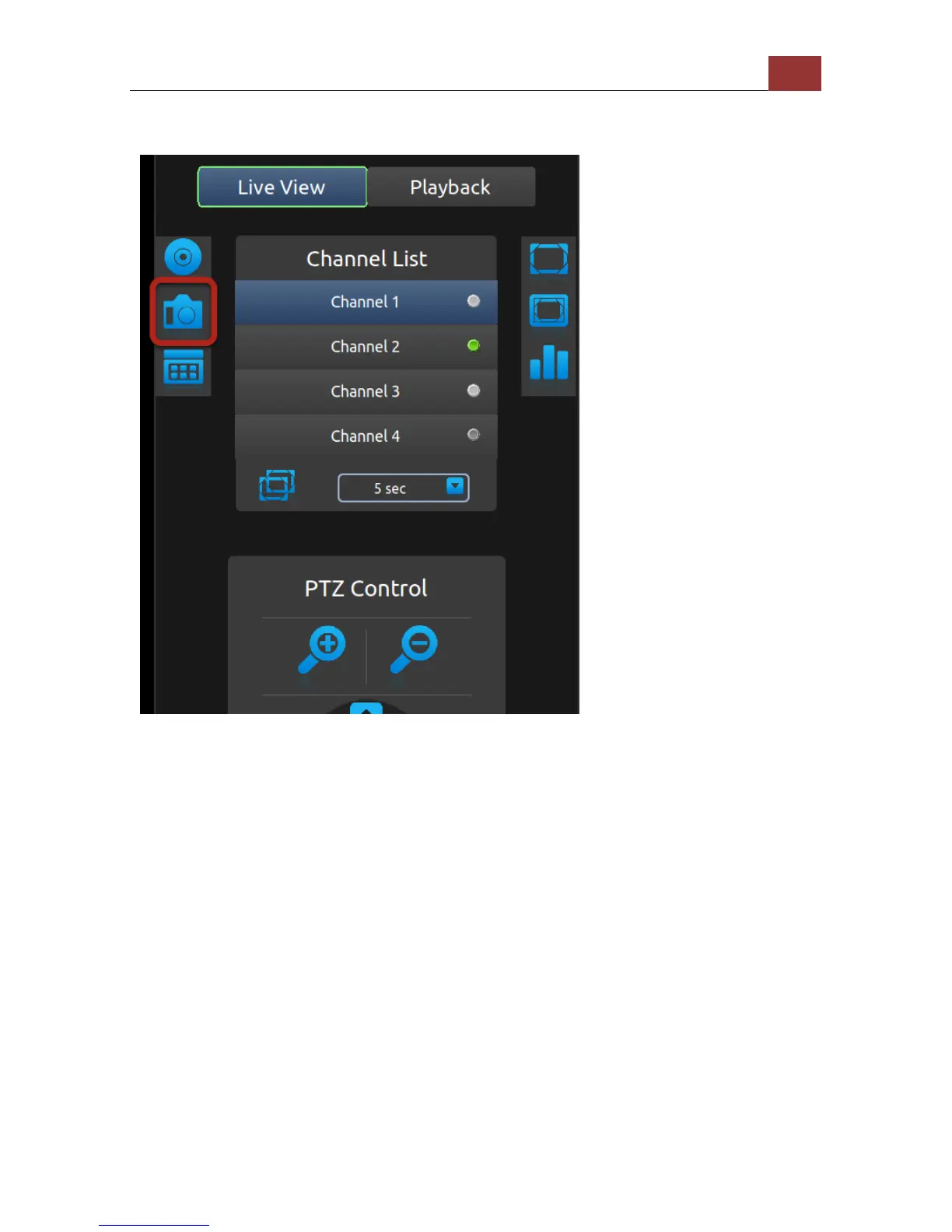
Take snapshot
Before taking a snapshot of the live video, please make sure a FAT32
formatted USB drive is plugged into the NVR.
If you had "Manual recording" icon selected, press the "Down" button
on the remote to select the "Snapshot" icon. Press the "ENTER" button
on the remote to take a snapshot.


 To Next Page