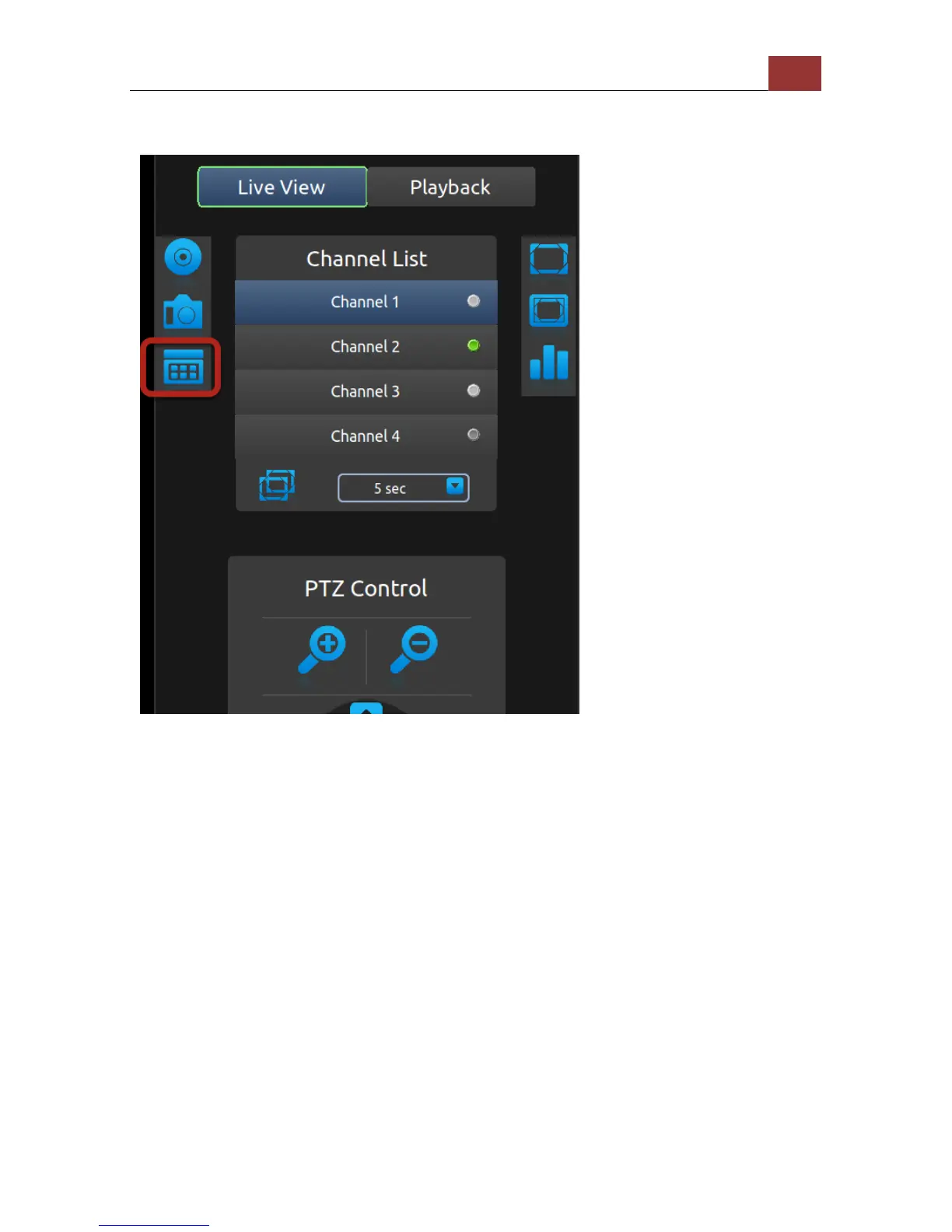
PIP (Picture-in-picture) Event Video
The local UI provides live video view of 1 channel at a time. However,
you can set a PIP (Picture-in-picture) area on top of the live video,
which displays video of another channel when an event occurs. Once
you have the icon shown above selected, press the "ENTER" button to
set PIP area on the live video.



 To Next Page