Set up Password
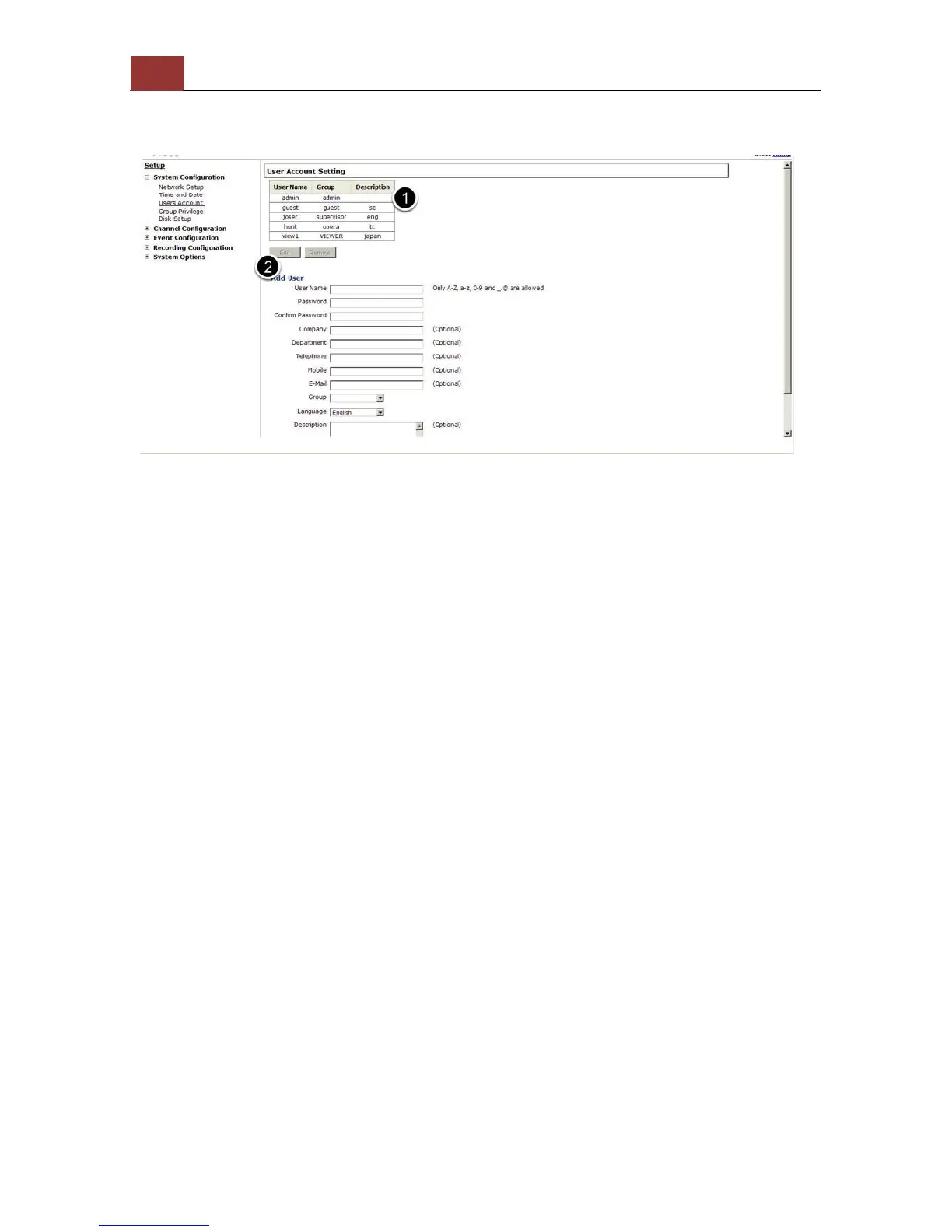
The default login username and password is root/root. To change the
password of the admin account, go to “Setup” --> “System
Configurations” --> “User Account”, click on the “root” account in the
account list then press the “edit” button to change its password.
Finally, click “Apply” to save the change.



 To Next Page