Perform PTZ Preset Viewing
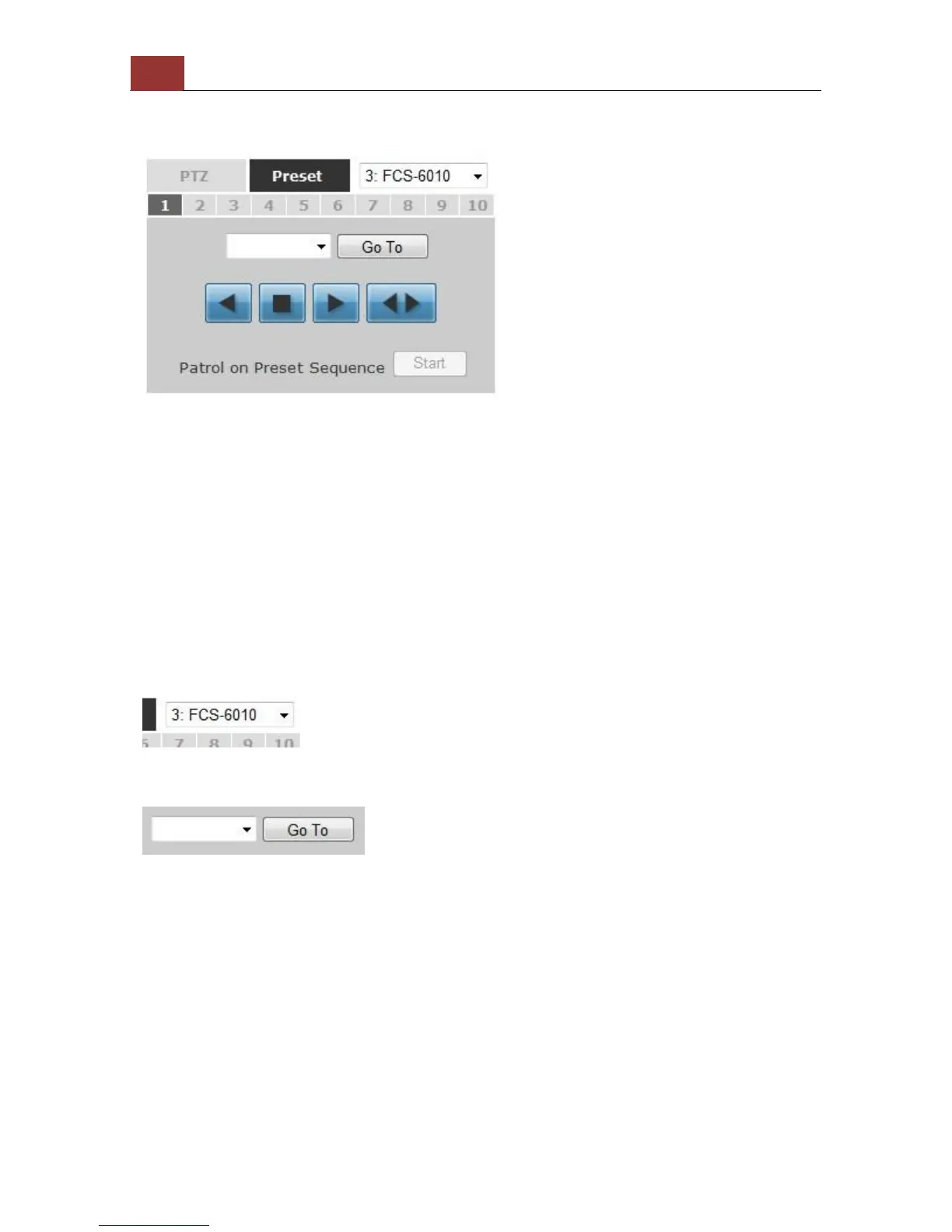
There are three functions provided in the “Preset” section:
• Perform preset point viewing of a particular camera
• Auto pan a particular camera
• Perform preset point sequence viewing
(In order to use this function, one must configure camera's preset
points in "NVR Setup" >> "Channel Configurations" >> "PTZ Preset"
first)
Preset Point Viewing
Start by selecting a PTZ camera from the drop-down list
Its available PTZ preset points will be listed in the drop-down list
shown below. Click "Go to" to move to the selected position.



 To Next Page