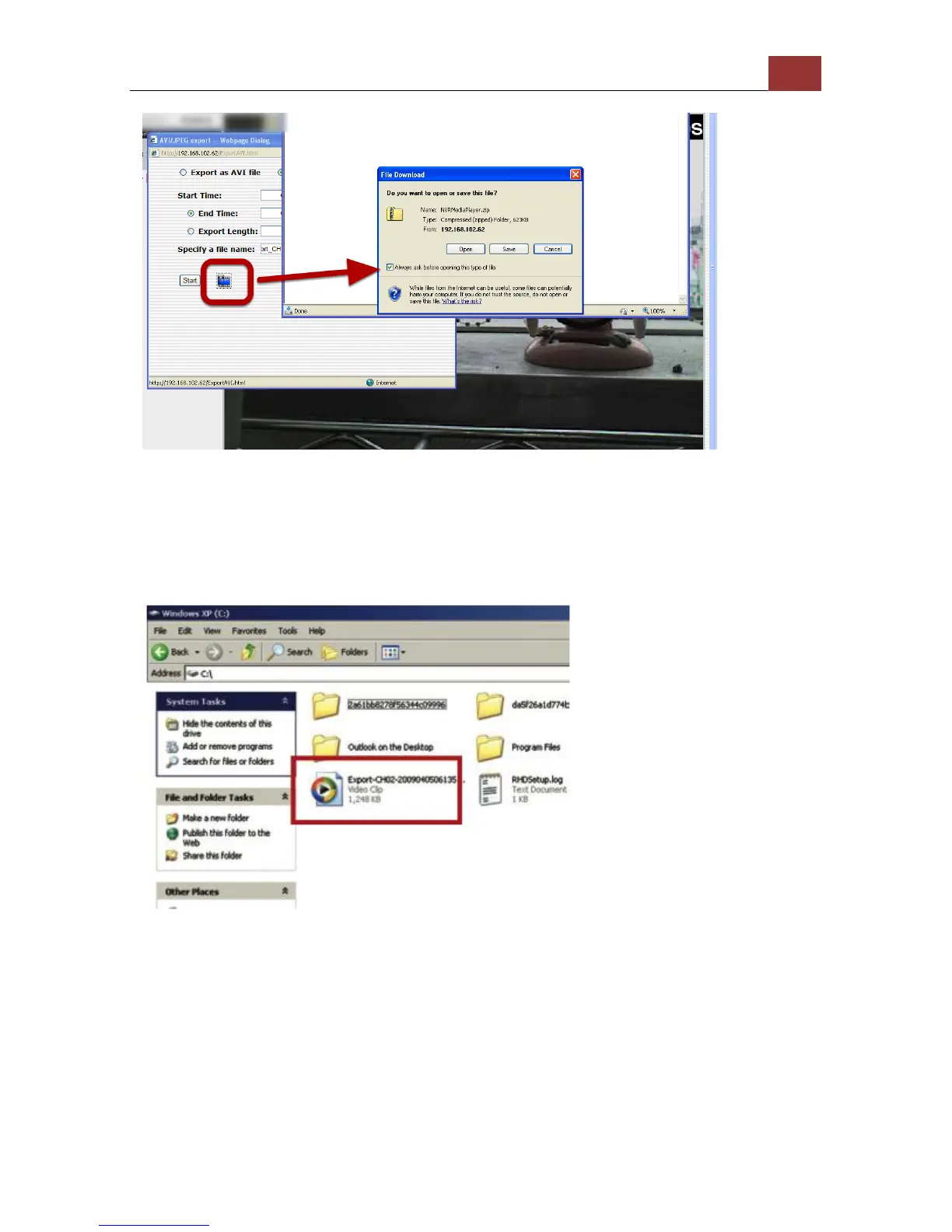
The best way to view the exported video or JPEG images is to use the
NVR media player, which can be obtained from the same dialog
window. Simply click on the icon at the bottom (highlighted above),
and a message box should appear to let you open the media player
directly, or save it to the local hard drive for later use.
The exported AVI files (or JPEG images) will be saved under the C
partition (or the partition where Windows is installed)
* ffdshow is required in order to play the exported AVI file with
Windows Media Player. You can get it at
“http://sourceforge.net/projects/ffd- show-tryout/” to download the
“ffd- show_beta6_rev2527_20081219. exe”



 To Next Page