port (default 80) and the streaming port (default 9877) in the
router/gateway for remote viewing. You can then type in
http://yourddnsdomain in the browser to access the NVR remotely for
live view.
In order to properly configure the DDNS service function, please
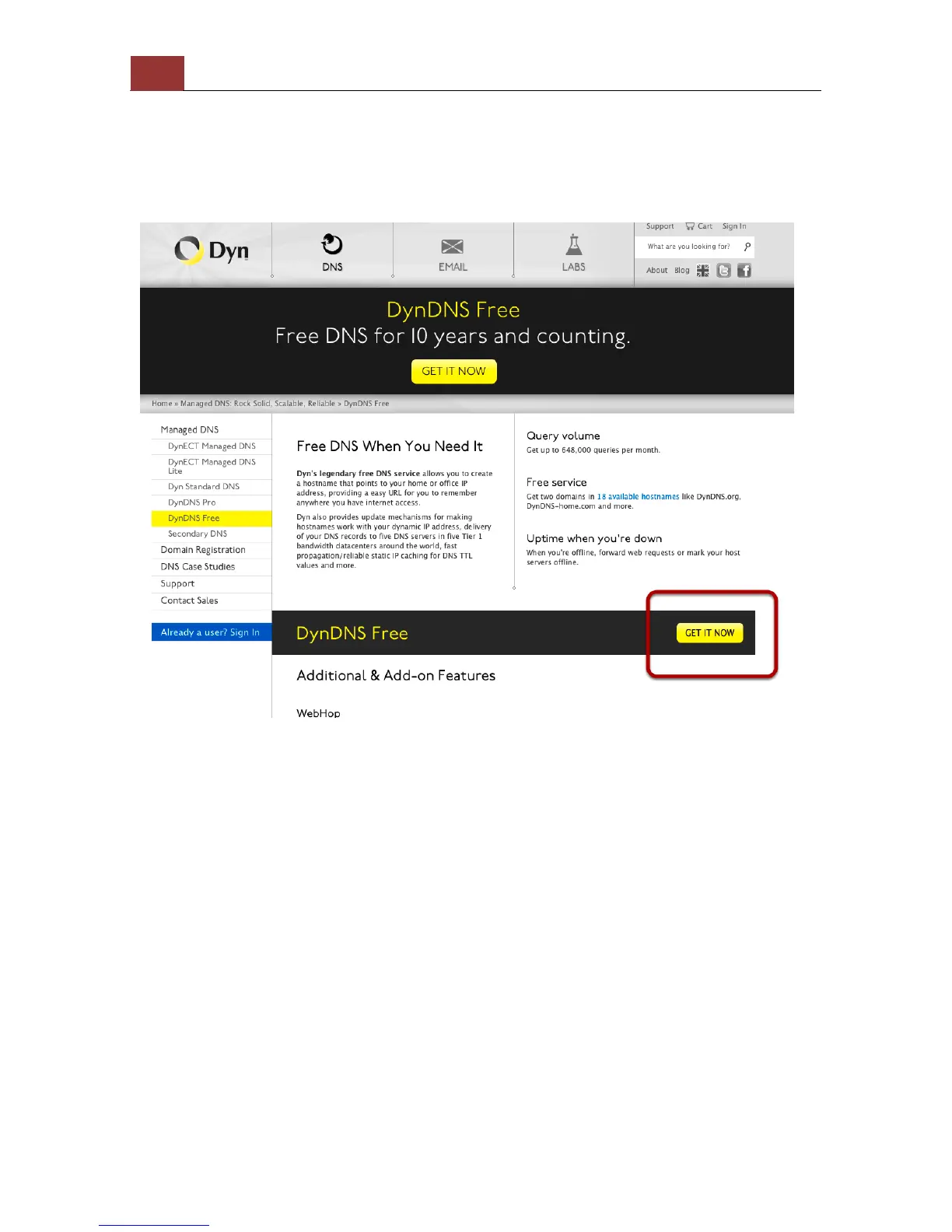
register a free DDNS domain name and account from DynDNS first. Go
to http://dyn.com/dns/dyndns-free/ from the browser to do so.



 To Next Page