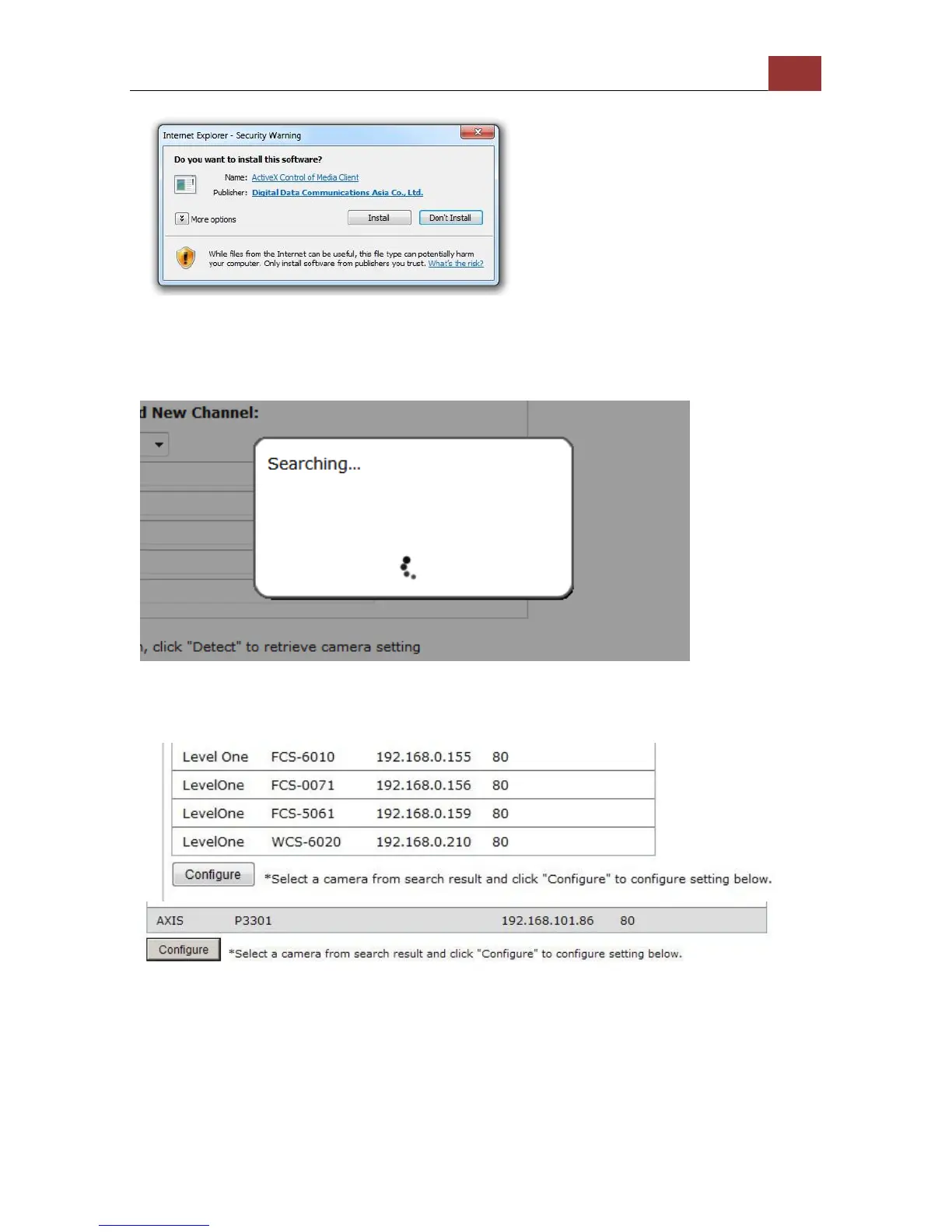
You should be prompted to install Active Control component the first
time you visit the page in order for the search to function properly. Go
ahead and click “Install”
Once you have the ActiveX component installed, the search status
should be displayed after clicking "Search"
Found cameras should be listed and simply select a camera from the
list and press “Configure”



 To Next Page