W
EB
C
ONFIGURATION
5-17
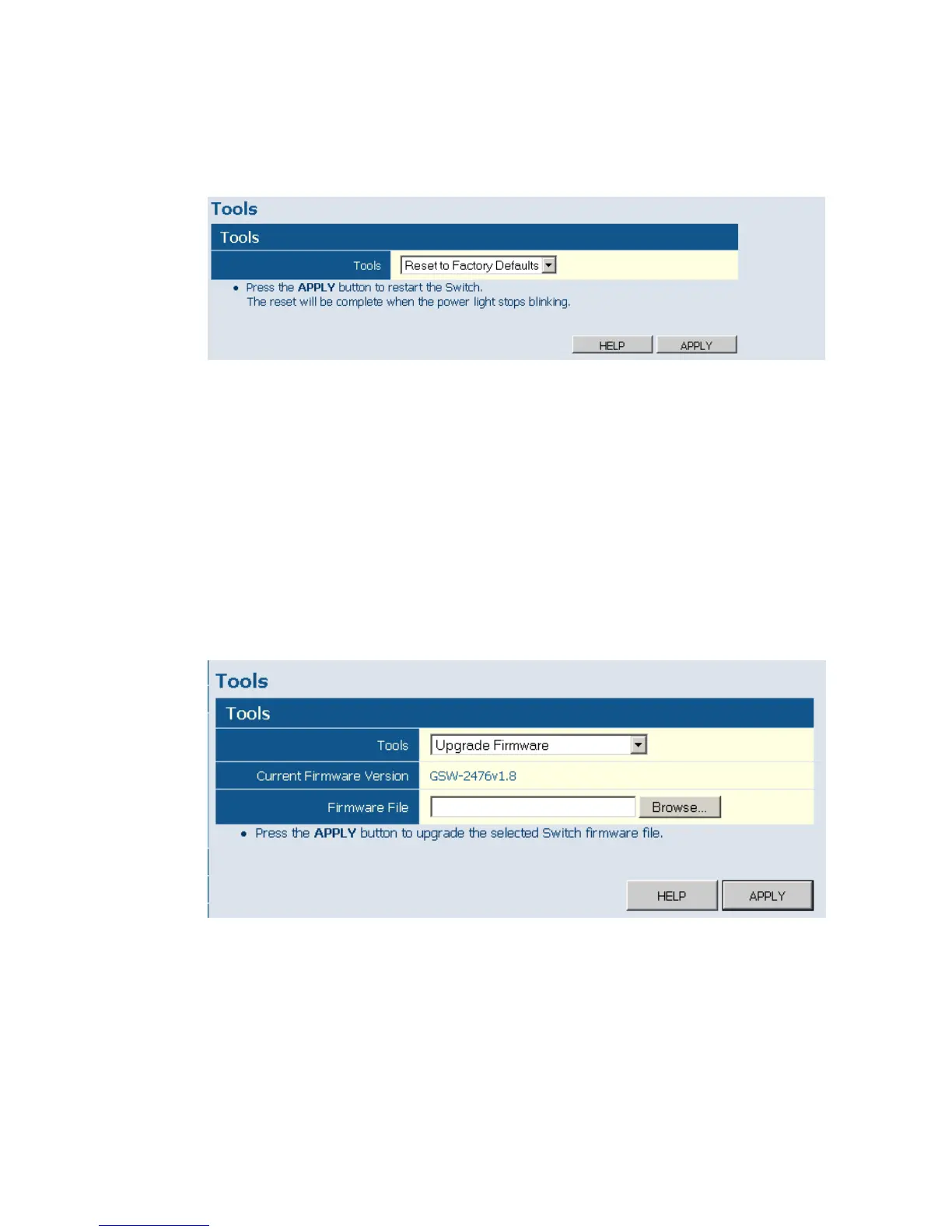
Web – Click System, Tools, Reset to Factory Defaults.
Figure 5-8 Reset to Factory Defaults
Upgrade Firmware
To Upgrade the switch system firmware, select “Upgrade Firmware” from
the Tools drop-down list then click on the “Browse” button to select the
firmware file. Click the APPLY button to upgrade the selected switch
firmware file.
Web – Click System, Tools, Upgrade Firmware.
Figure 5-9 Upgrade Firmware











 To Next Page