W
EB
C
ONFIGURATION
5-21
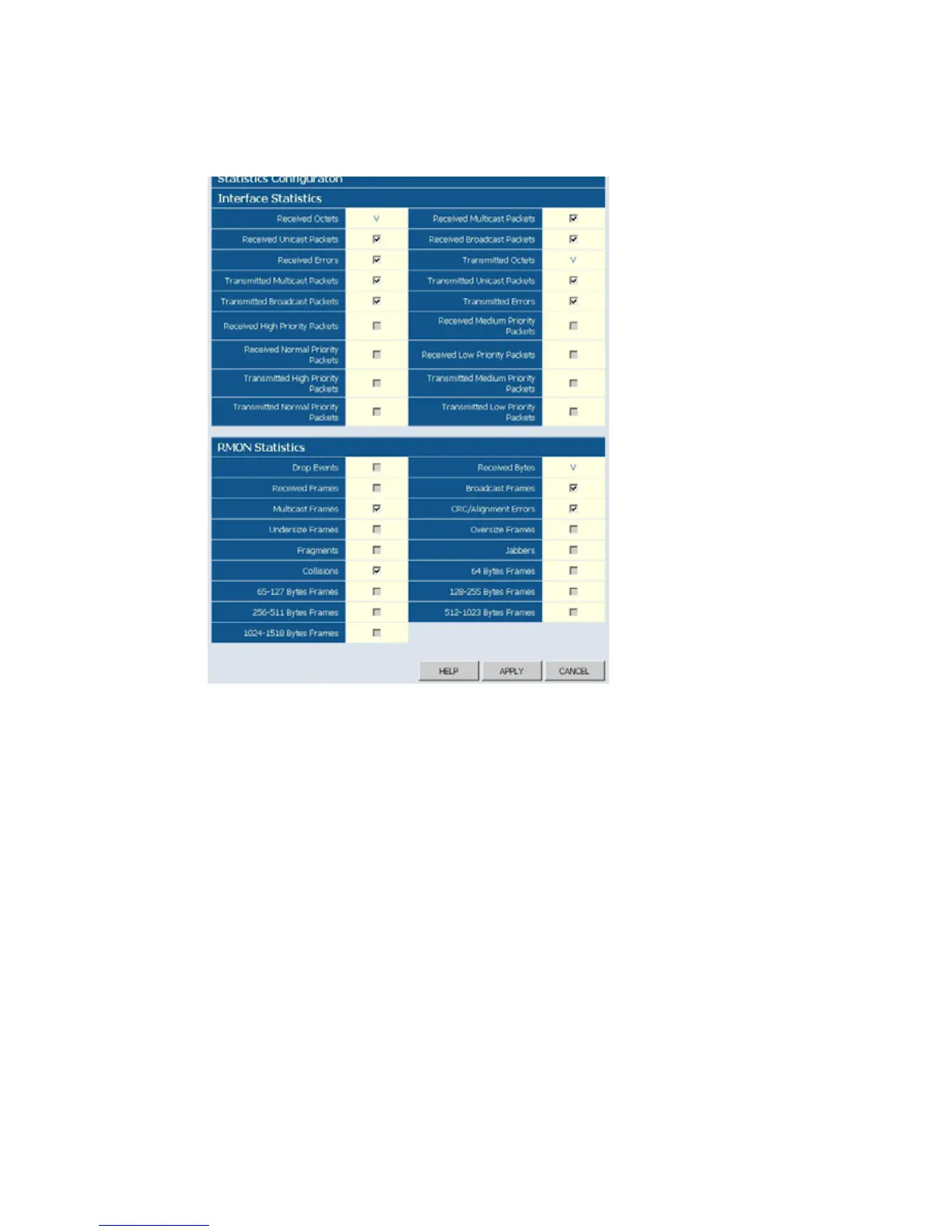
Web – Click System, Counter Config
Figure 5-14 Counter Configuration
Port Configuration
You can use the Port Configuration page to manually fix the speed, duplex
mode, and flow control.
Field Attributes
• Enable Jumbo Frames– Click to enable or disable Jumbo Frames.
• Speed/Duplex – Allows you to manually set the port speed and duplex
mode.
•Flow Control – Allows flow control to be enabled or disabled. When the
box is checked, flow control is enabled.
• Trunk – Indicates if a port is a member of a trunk.











 To Next Page