C
ONFIGURING
THE
S
WITCH
5-18
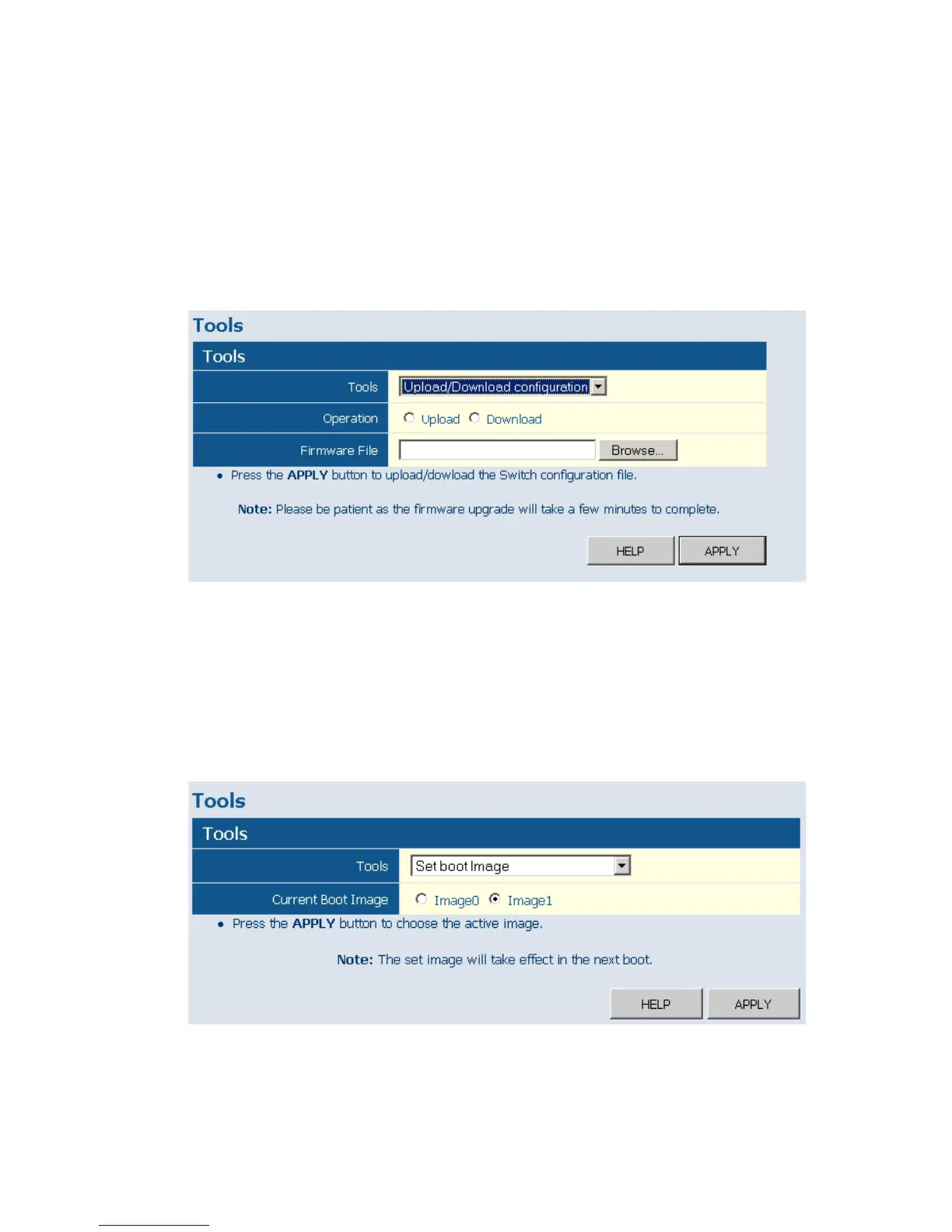
Upload/Download Configuration
Web – Click SYSTEM, Tools, Upload/Download Configuration. To
upload or download the configuration file, select "Upload/Download
Configuration" from the Tools drop-down list, then click "Upload" or
"Download", and then click on the "Browse" button to select the file.
Figure 5-10 Restart Switch
Set boot Image
Web – Click SYSTEM, Tools, Set boot Image. To set the bootimage, click
either “Image0“ or “Image1“to decide the active image, and then click
APPlY.
Figure 5-11 Set boot Image











 To Next Page