PC and Server Configuration
37
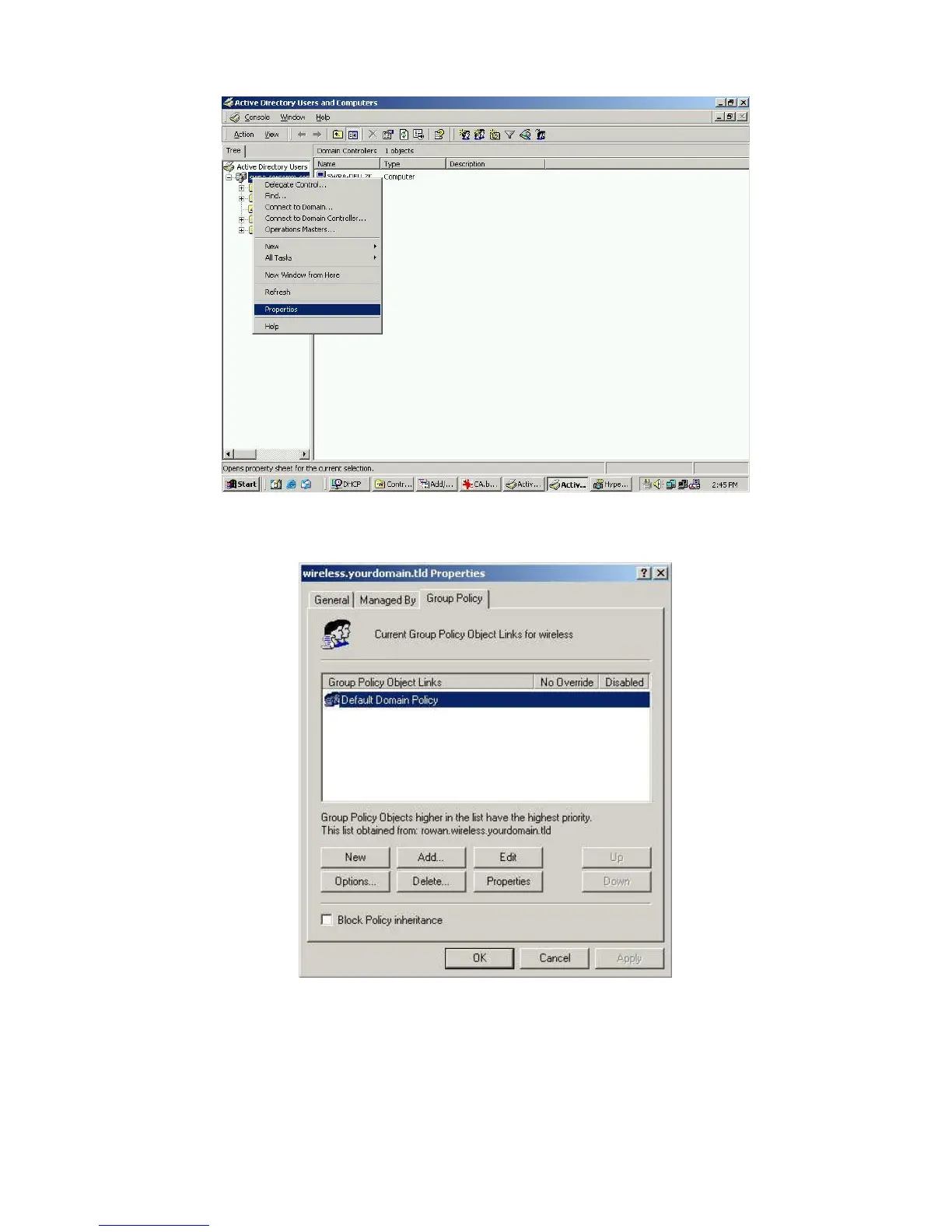
Figure 32: Active Directory Screen
6. Select the Group Policy tab, choose Default Domain Policy then click Edit.
Figure 33: Group Policy Tab
7. Select Computer Configuration - Windows Settings - Security Settings - Public Key Poli-
cies, right-click Automatic Certificate Request Settings - New - Automatic Certificate
Request.















 To Next Page