Wireless Access Point User Guide
36
Certificate Authority Setup
1. Select Start - Programs - Administrative Tools - Certification Authority.
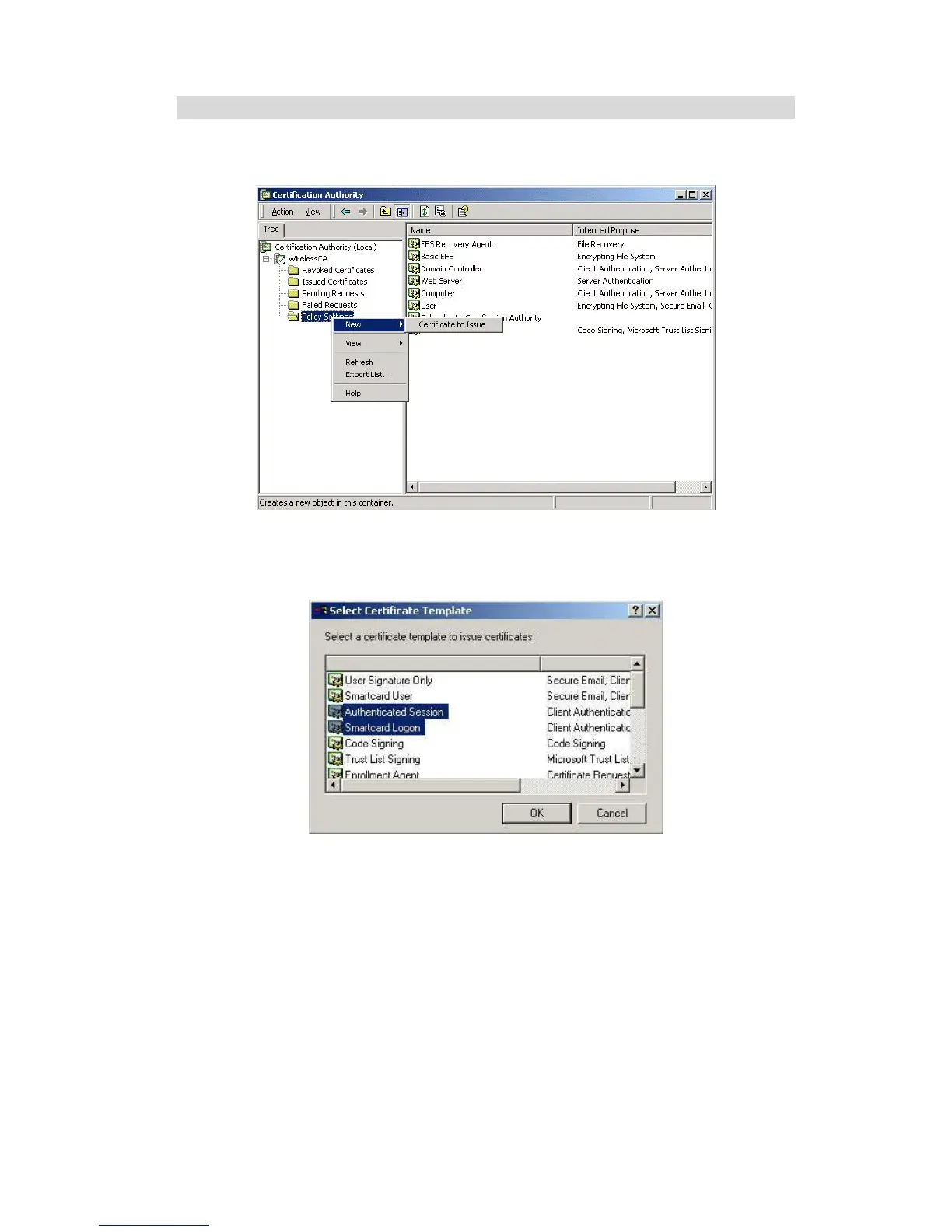
2. Right-click Policy Settings, and select New - Certificate to Issue.
Figure 30: Certificate Authority Screen
3. Select Authenticated Session and Smartcard Logon (select more than one by holding down
the Ctrl key). Click OK.
Figure 31: Template Screen
4. Select Start - Programs - Administrative Tools - Active Directory Users and Computers.
5. Right-click on your active directory domain, and select Properties.















 To Next Page