Wireless Access Point User Guide
42
802.1x Client Setup on Windows XP
Windows XP ships with a complete 802.1x client implementation. If using Windows 2000, you
can install SP3 (Service Pack 3) to gain the same functionality.
If you don't have either of these systems, you must use the 802.1x client software provided with
your wireless adapter. Refer to your vendor's documentation for setup instructions.
The following instructions assume that:
You are using Windows XP
You are connecting to a Windows 2000 server for authentication.
You already have a login (User name and password) on the Windows 2000 server.
Client Certificate Setup
1. Connect to a network which doesn't require port authentication.
2. Start your Web Browser. In the Address box, enter the IP address of the Windows 2000
Server, followed by /certsrv
e.g
http://192.168.0.2/certsrv
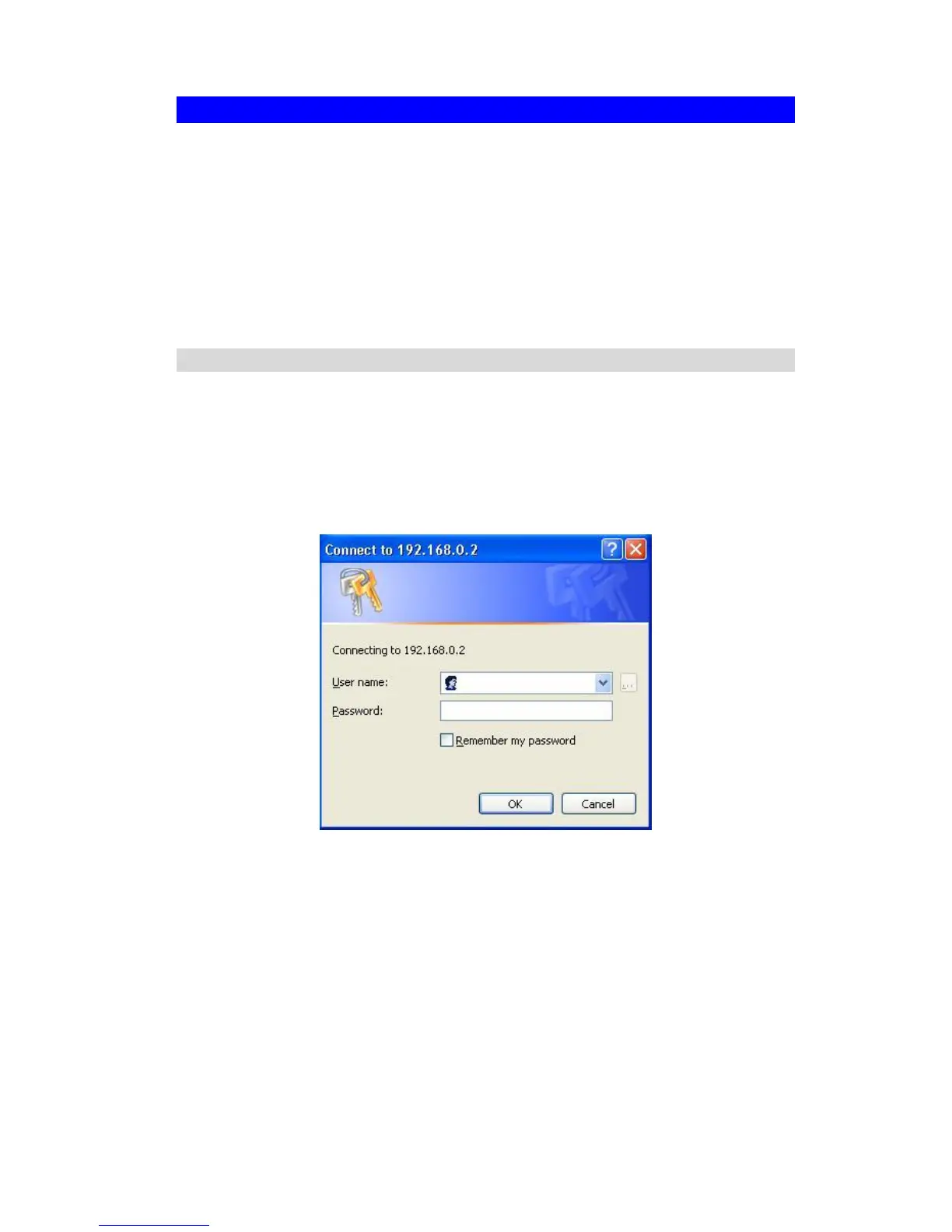
3. You will be prompted for a user name and password. Enter the User name and Password
assigned to you by your network administrator, and click OK.
Figure 40: Connect Screen
4. On the first screen (below), select Request a certificate, click Next.















 To Next Page