PC and Server Configuration
41
Remote Access Login for Users
1. Select Start - Programs - Administrative Tools- Active Directory Users and Computers.
2. Double click on the user who you want to enable.
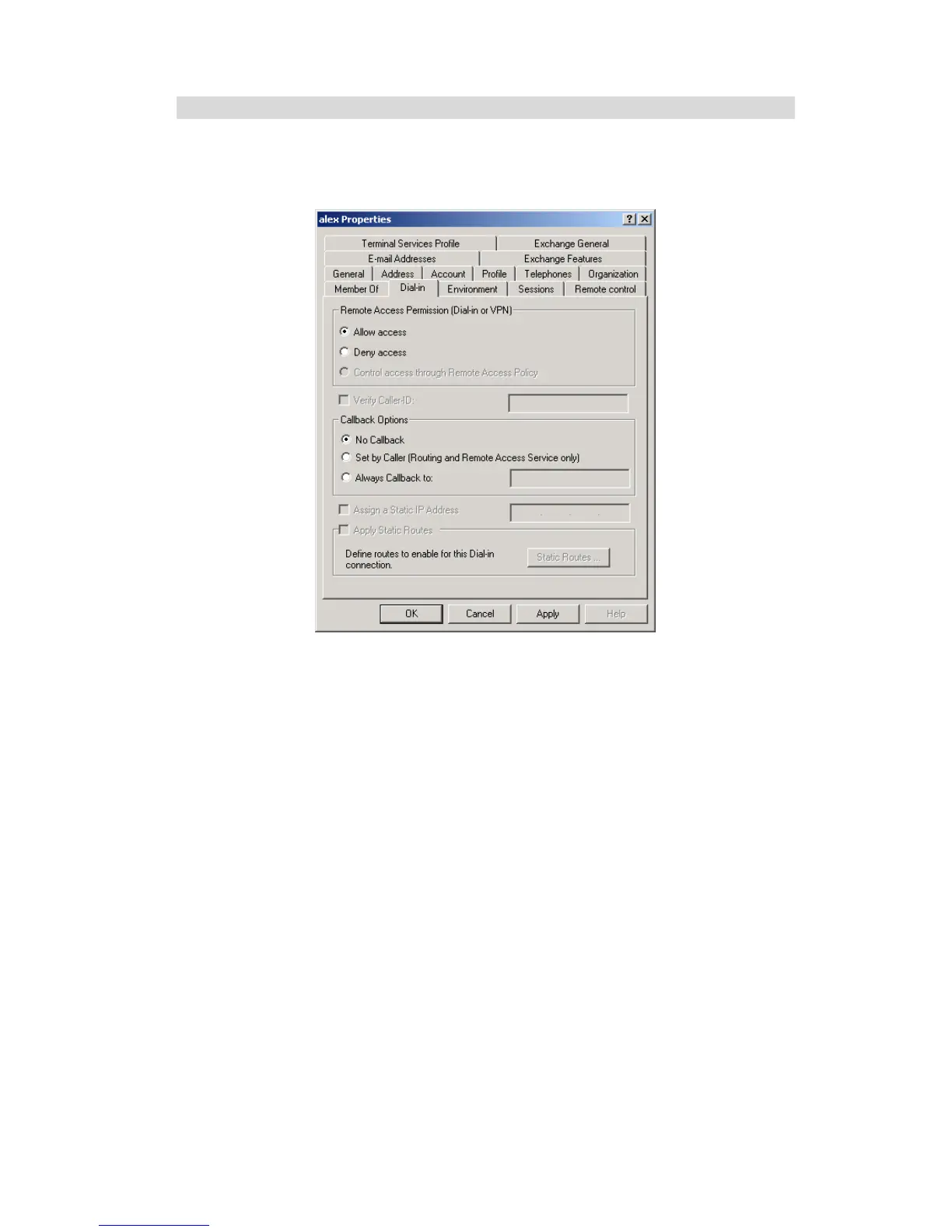
3. Select the Dial-in tab, and enable Allow access. Click OK.
Figure 39: Dial-in Screen















 To Next Page