PC and Server Configuration
39
Internet Authentication Service (Radius) Setup
1. Select Start - Programs - Administrative Tools - Internet Authentication Service
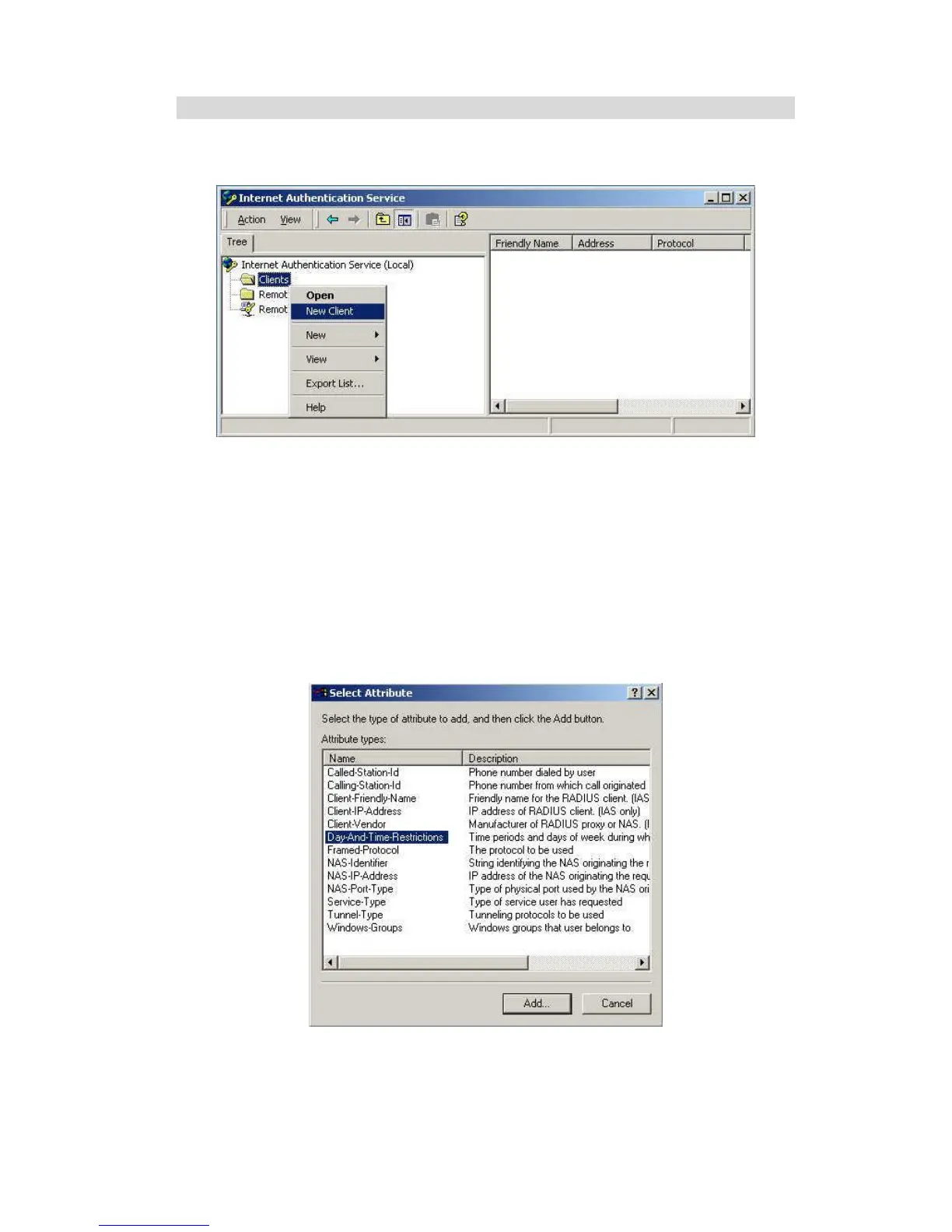
2. Right-click on Clients, and select New Client.
Figure 36: Service Screen
3. Enter a name for the access point, click Next.
4. Enter the address or name of the Wireless Access Point, and set the shared secret, as
entered on the Security Settings of the Wireless Access Point.
5. Click Finish.
6. Right-click on Remote Access Policies, select New Remote Access Policy.
7. Assuming you are using EAP-TLS, name the policy eap-tls, and click Next.
8. Click Add...
If you don't want to set any restrictions and a condition is required, select Day-And-Time-
Restrictions, and click Add...
Figure 37: Attribute Screen
9. Click Permitted, then OK. Select Next.
10. Select Grant remote access permission. Click Next.















 To Next Page