Wireless Access Point User Guide
60
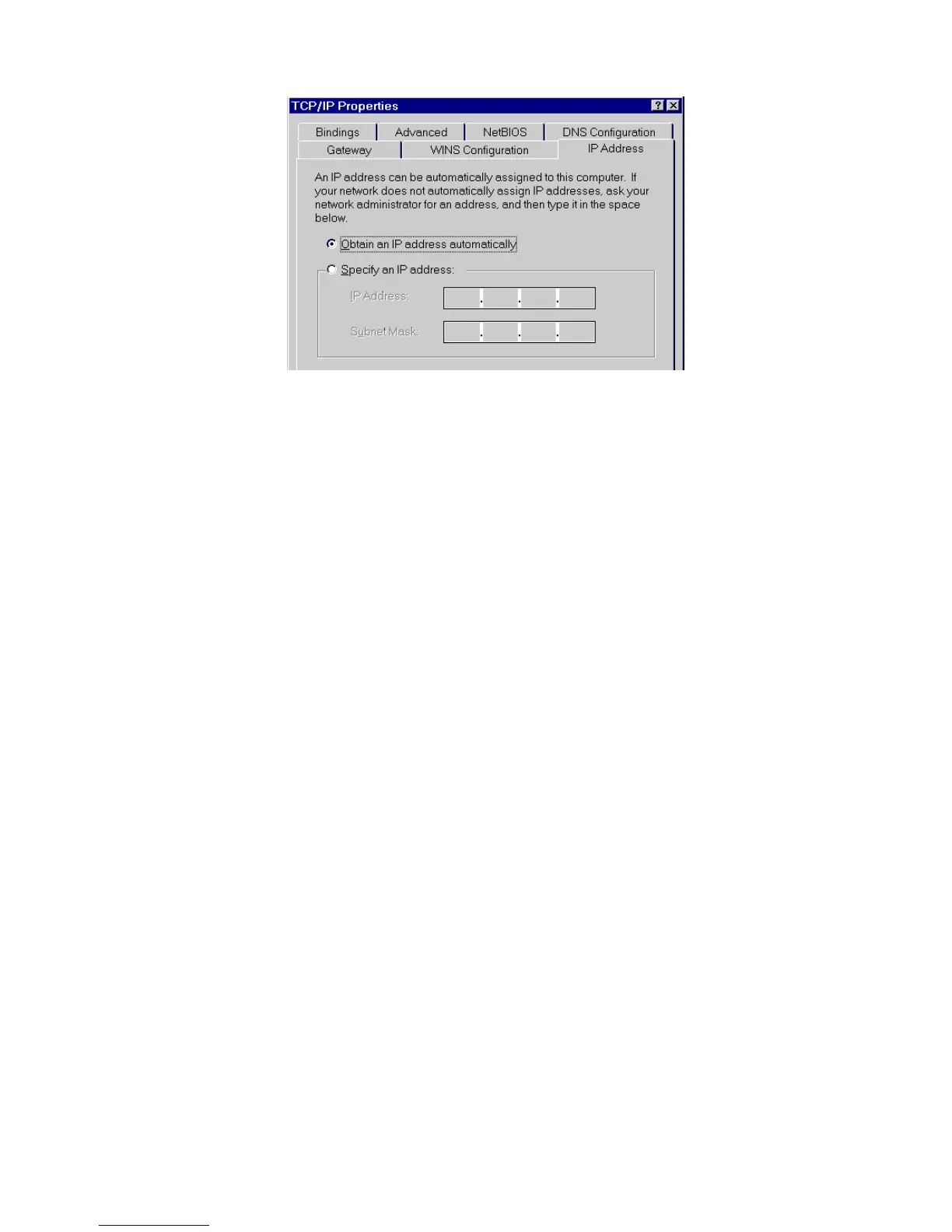
Figure 56: IP Address (Win 95)
Ensure your TCP/IP settings are correct, as follows:
Using DHCP
To use DHCP, select the radio button Obtain an IP Address automatically. This is the default
Windows settings. To work correctly, you need a DHCP server on your LAN.
Using "Specify an IP Address"
If your PC is already configured for a fixed (specified) IP address, no changes are required.
(The Administrator should configure the Wireless Access Point with a fixed IP address from
the same address range used on the PCs.)















 To Next Page