6
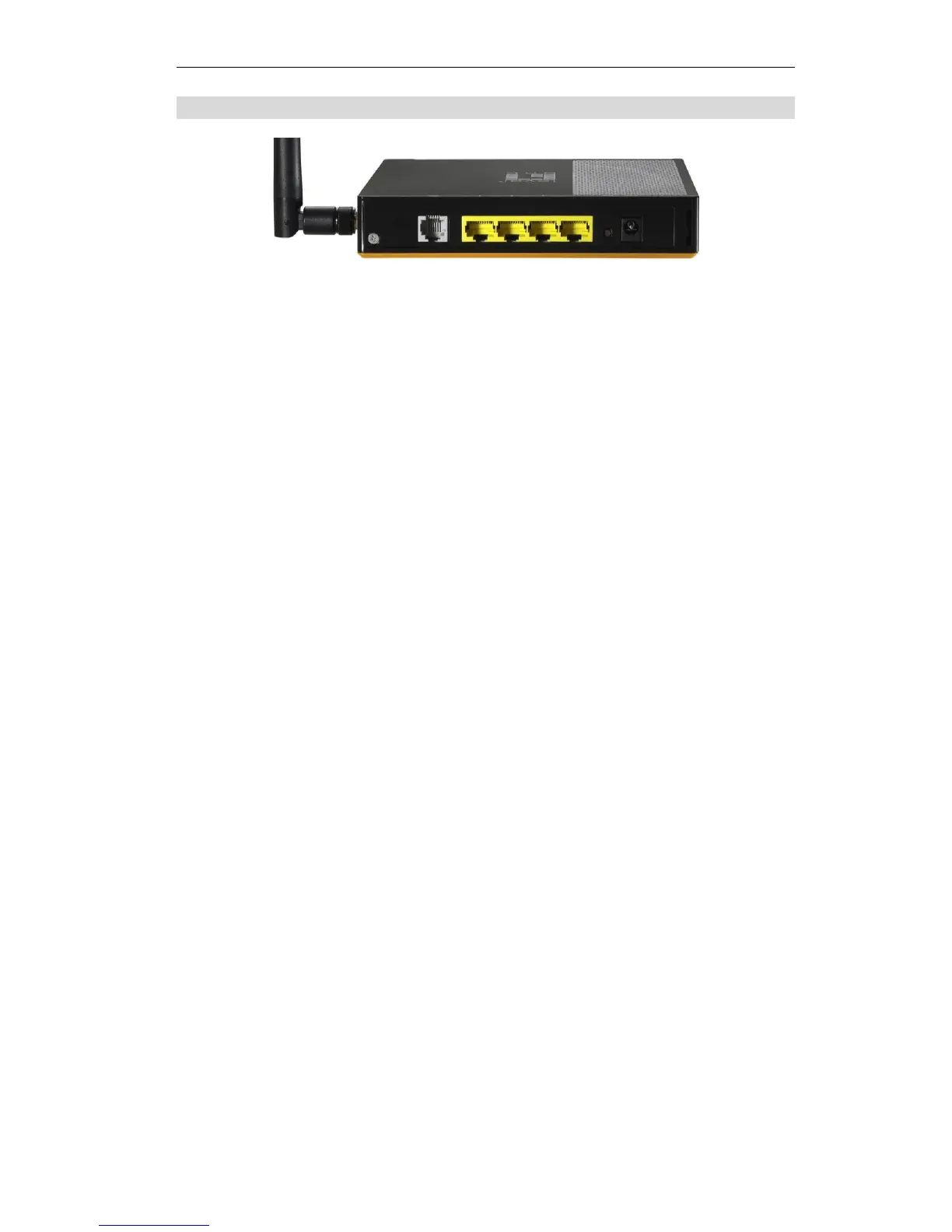
Rear Panel
Figure 3: Rear Panel
Connect this port to your ADSL line.
10/100BaseT
LAN connections
Use standard LAN cables (RJ45 connectors) to connect your PCs to
these ports.
Note:
Any LAN port on the Wireless ADSL Router will automatically
function as an "Uplink" port when required. Just connect any port to a
normal port on the other hub, using a standard LAN cable.
Reset Button
(Reset to Defaults)
This button will reset the Wireless ADSL Router to the factory
default settings.
To do this, press and hold the Reset Button for five (5) seconds, until
the Status LED is lit, then release the Reset Button, and wait the
Wireless ADSL Router to restart using the factory default values.
Connect the supplied power adapter here.















 To Next Page