Advanced Administration
79
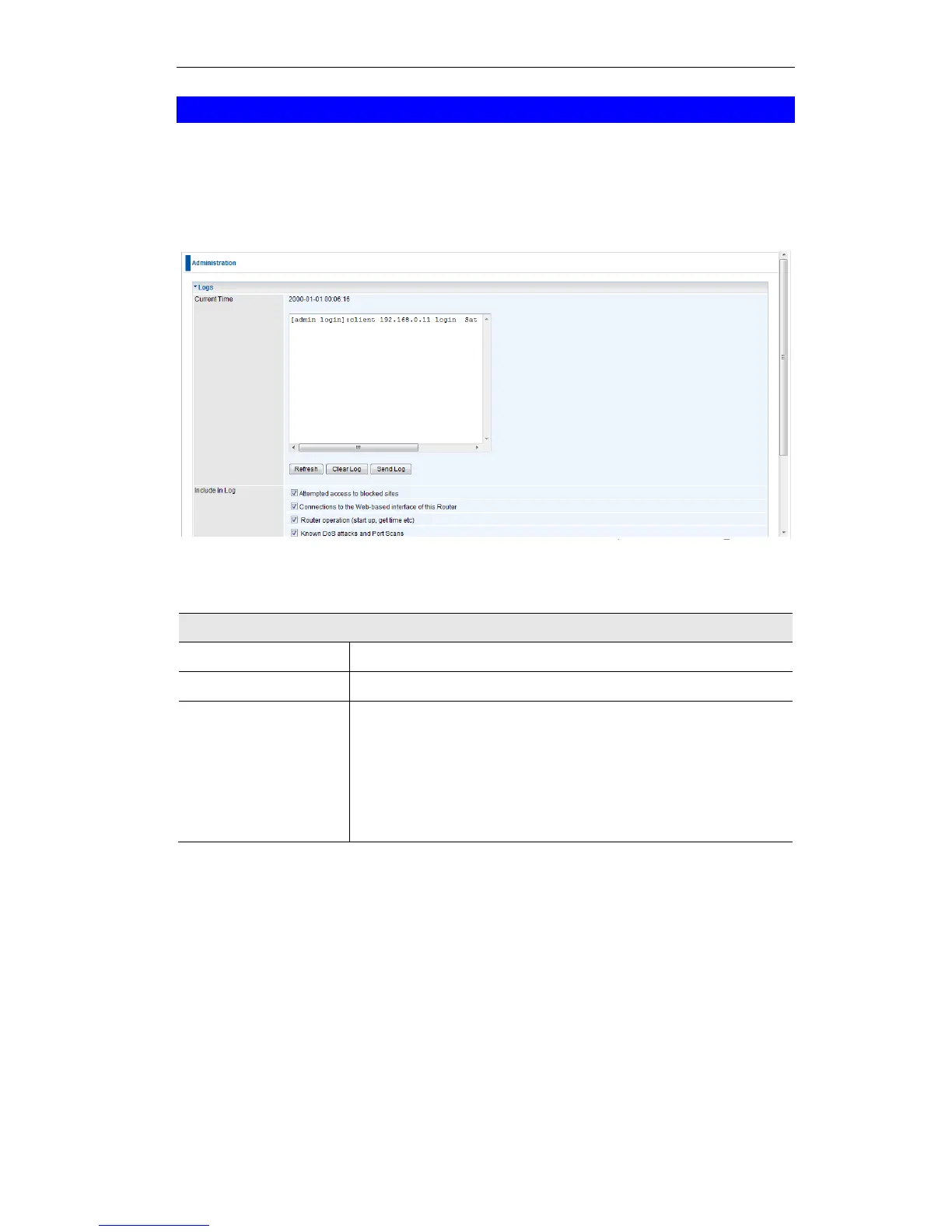
Logs
The Logs record various types of activity on the Wireless ADSL Router. This data is useful for
troubleshooting, but enabling all logs will generate a large amount of data and adversely affect
performance.
Since only a limited amount of log data can be stored in the Wireless ADSL Router, log data
can also be E-mailed to your PC. Use the E-mail screen to configure this feature.
Figure 65: Logs Screen
Data - Logs Screen
The current time on the Wireless ADSL Router is displayed.
Current log data is displayed in this panel.
There are three (3) buttons
Refresh - Update the log data.
Clear Log - Clear the log, and restart it. This makes new
messages easier to read.
Send Log - E-mail the log immediately. This is only func-
tional if the E-mail screen has been configured.















 To Next Page