92
Home Screen
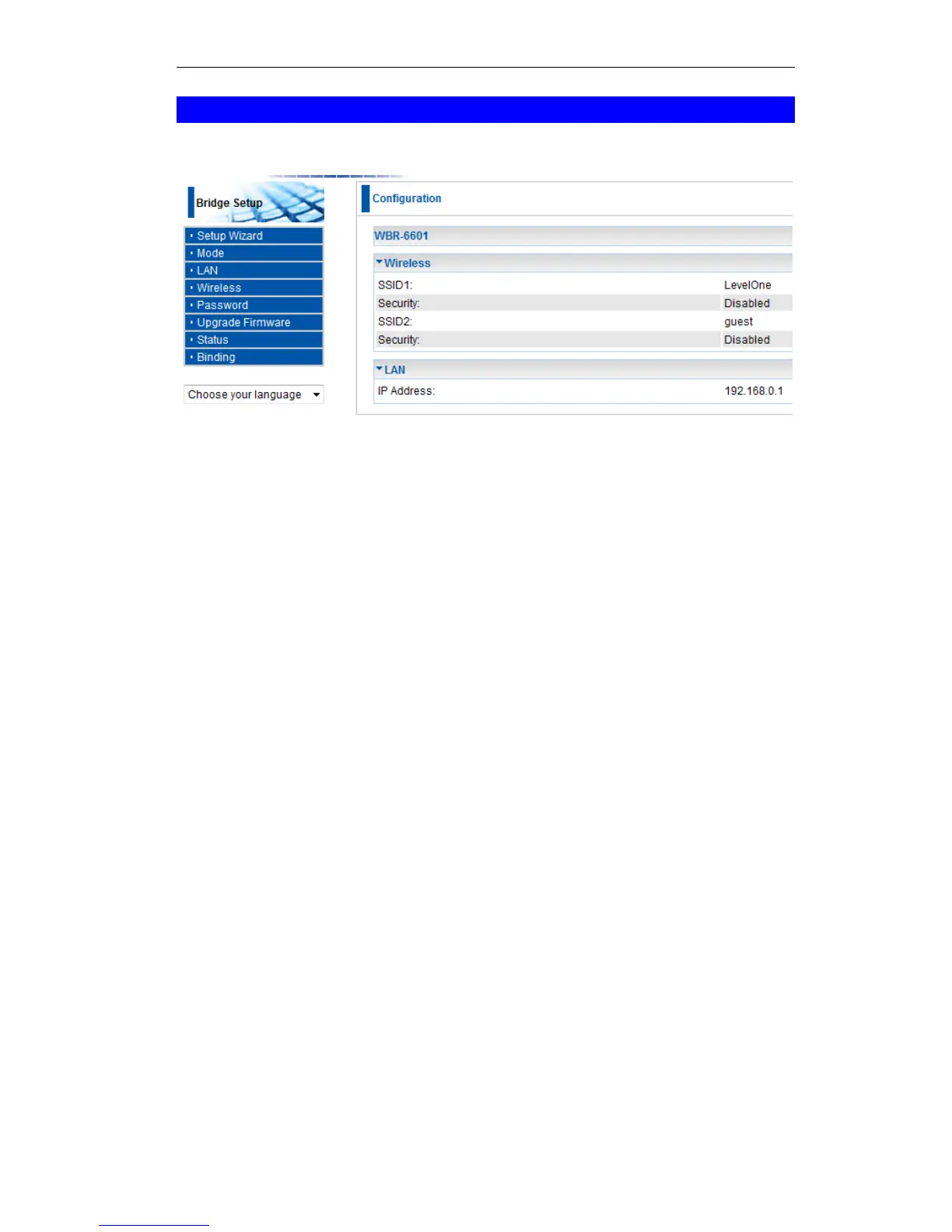
If in Modem mode, the home screen will look like the example below.
Figure 72: Home Screen - Modem Mode
Note that the menu has changed, many of the options in Router mode are not available. The
screens available are:
Mode - change back to Router mode, if desired.
LAN - set IP address, mask and gateway. This is the same as in Router mode, except that
the DHCP server is not available while in Modem mode.
Wireless - this screen, and related sub-screens, is the same as in Router mode.
Password - this screen is the same as in Router mode.
Upgrade FW - this screen is the same as in Router mode.
Status - displays current settings and status. See the following section for details.















 To Next Page