Setup
13
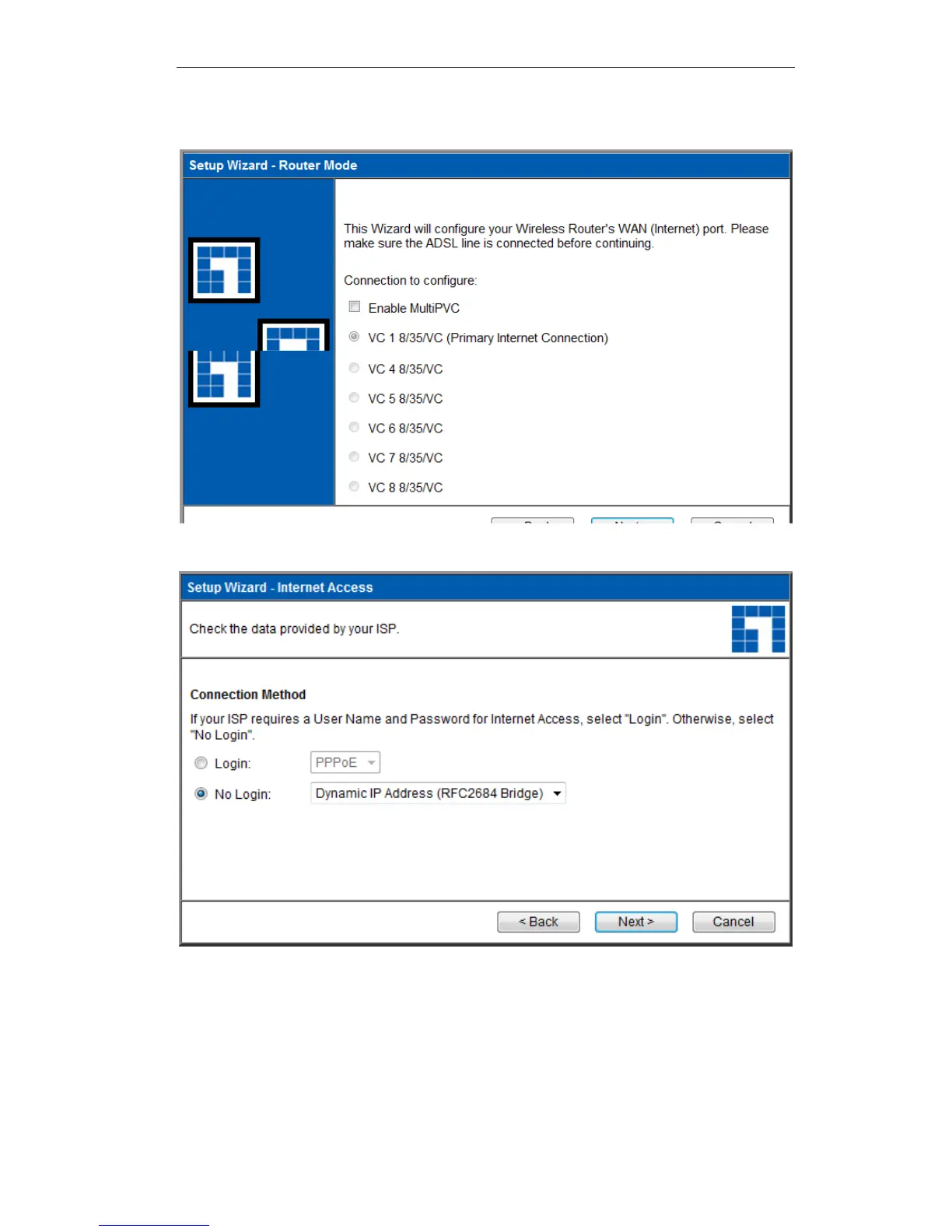
3. If Manual Selection is selected, you will see the VC 1 screen shown below. Enter the VPI
and VCI values provided by your ISP, then click "Next".
Figure 6: Setup Wizard - VC 1
Figure 7: Setup Wizard - Internet Access
4. On the Internet Access Screen, shown above, select the correct connection type, as used by
your ISP. Click "Next" and complete the configuration for your connection method.
You need the data supplied by your ISP. Your ISP's data will also have the DSL Mul-
tiplexing Method ( LLC or VC )
The common connection types are explained in the following table..















 To Next Page