44
To connect:
Check the checkbox Allow me to connect to the selected wireless network, even though it
is not secure.
The Connect button will then be available. Click the Connect button, and wait a few
seconds for the connection to be established.
If using WEP Data Encryption
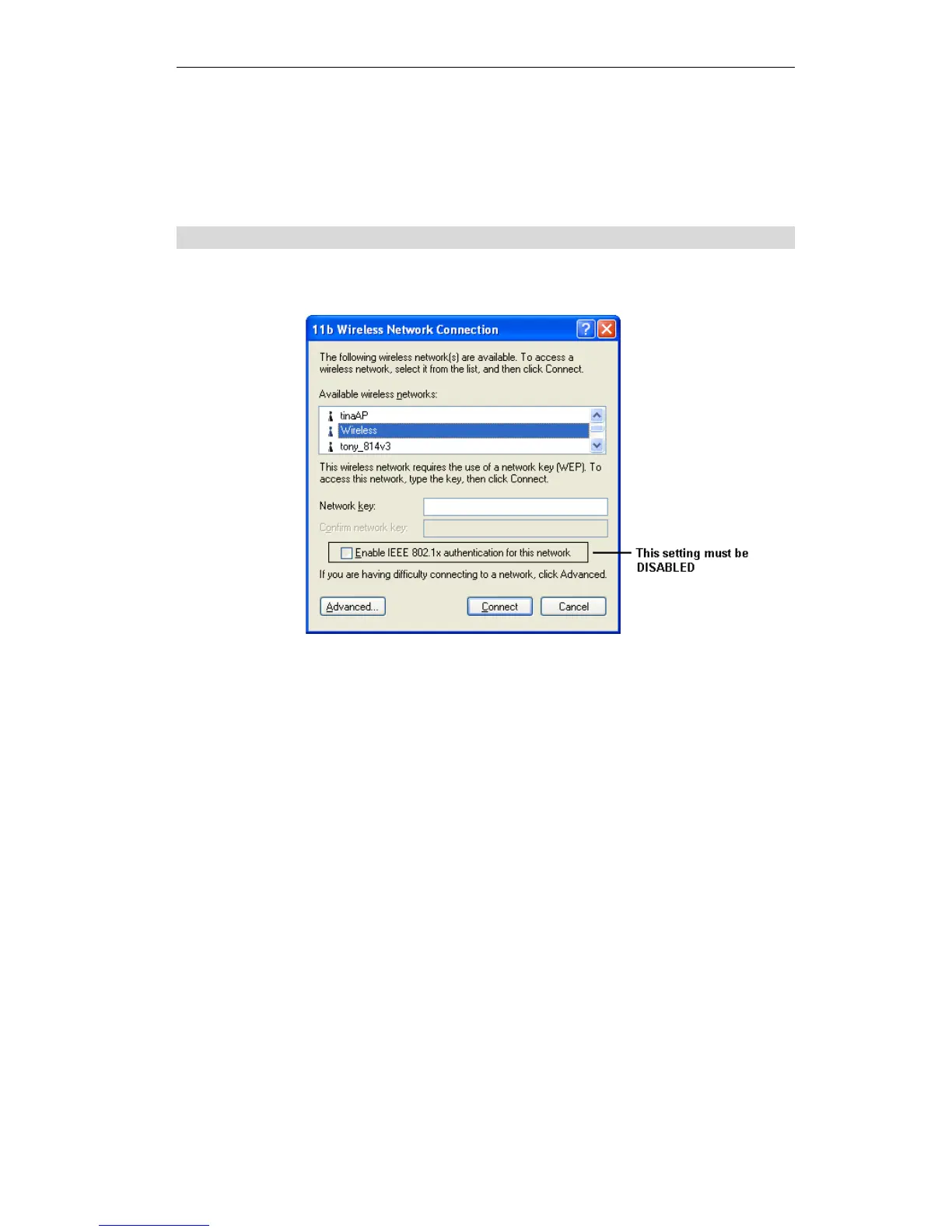
If WEP data encryption has been enabled on the Wireless ADSL Router, Windows will detect
this, and show a screen like the following.
Figure 35: WEP (Windows XP)
To connect:
Enter the WEP key, as set on the Wireless ADSL Router, in the Network Key field.
Re-enter the WEP key into the Confirm Network key field.
Disable the checkbox Enable IEEE 802.1x authentication for this network.
Click the Connect button.
If this fails, click the Advanced button, to see a screen like the following:















 To Next Page