46
For the Network key and Confirm network key, enter the default key value used on the
Wireless ADSL Router. (Windows will determine if 64bit or 128bit encryption is used.)
The Key index must match the default key index on the Wireless ADSL Router. The
default value is 1.
Ensure the options The key is provided for me automatically and This is a computer-to-
computer (ad hoc) network are unchecked.
Click OK to save and close this dialog.
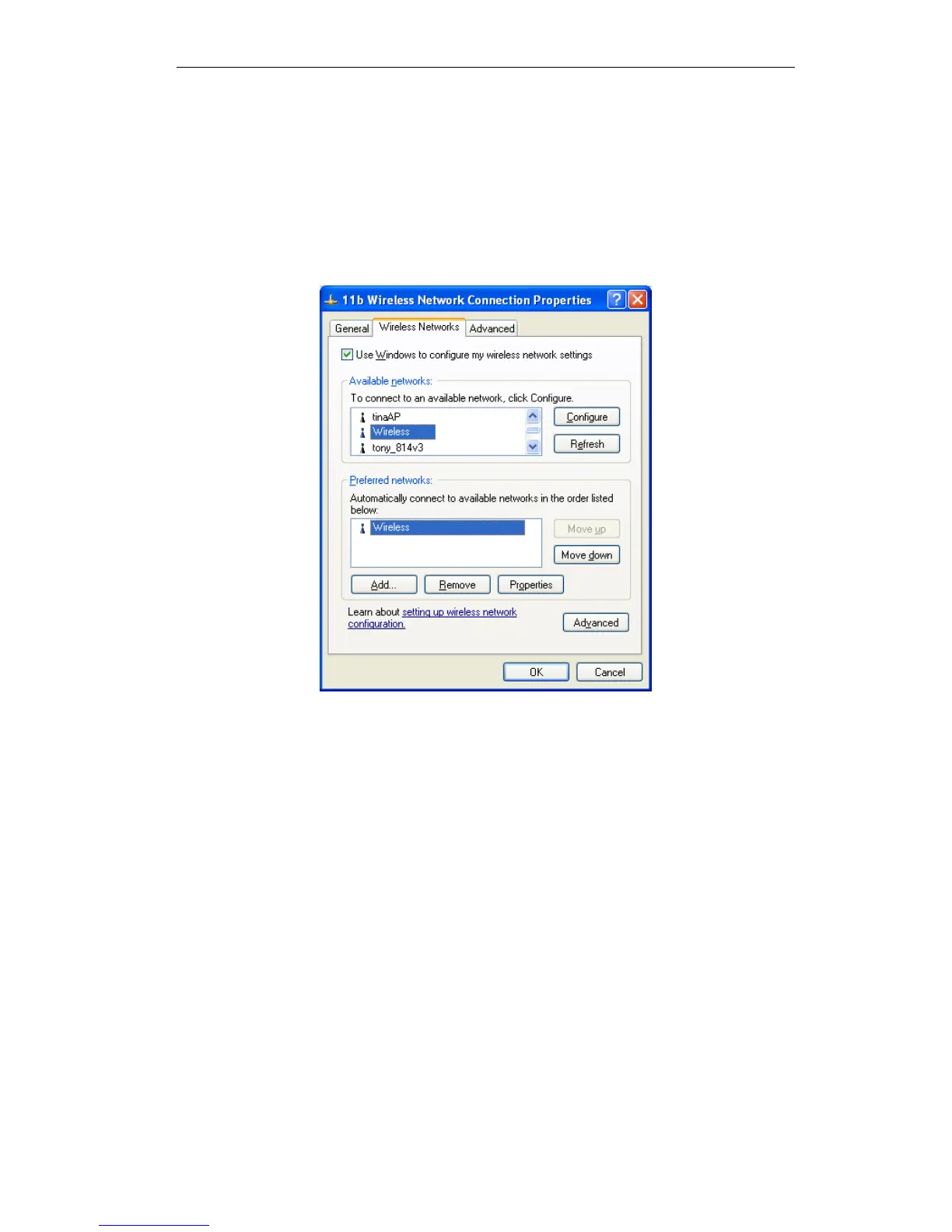
This wireless network will now be listed in Preferred Networks on the screen below.
Figure 38: Preferred Networks
Click OK to establish a connection to the Wireless ADSL Router.















 To Next Page