This lists all defined Services. Select the Services you wish to
block. To select multiple services, hold the CTRL key while select-
ing. (On the Macintosh, hold the SHIFT key rather than CTRL.)
If Internet access is being blocked, you can choose to apply the
blocking only during scheduled times. (If access is not blocked, no
Scheduling is possible, and this setting has no effect.)
Click to Enable
Trusted PC
If enabled, restrictions set on this screen do not apply to Trusted
PCs.
Click this button to add or remove PCs of the Trusted PCs.
See the following section for details of the Trusted PCs screen.
Trusted PC Screen
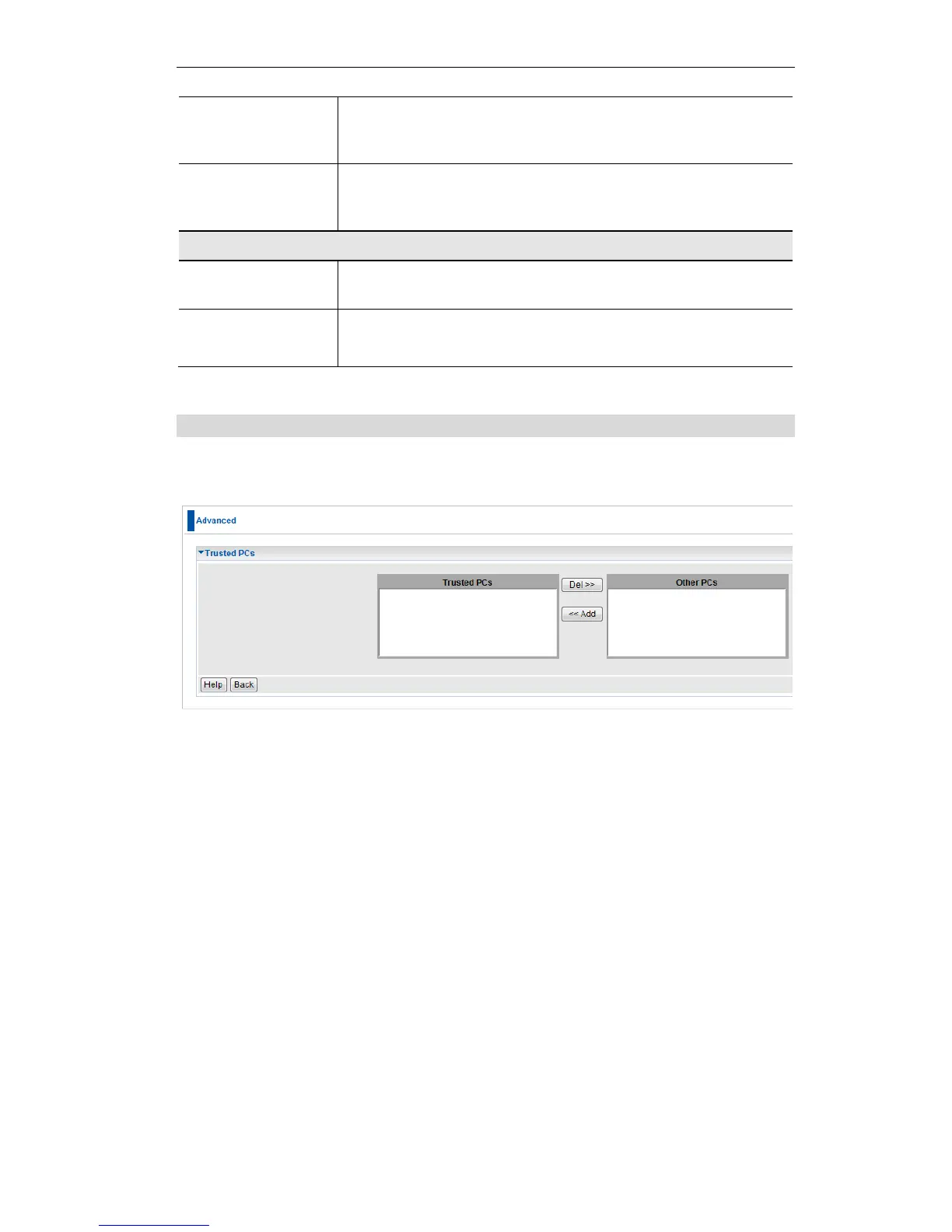
This screen is displayed when the Set Trusted PCs button on the Access Control screen is
clicked.
Figure 54: Trusted PC
Use this screen to add or remove PCs from the current group.
The "Del >>" button will remove the selected PC (in the Trusted PCs list) from the current
group.
The "<< Add" button will add the selected PC (in the Other PCs list) to the Trusted PCs
group.















 To Next Page