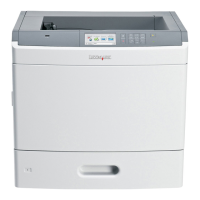
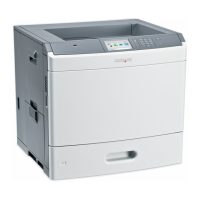
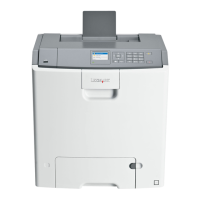
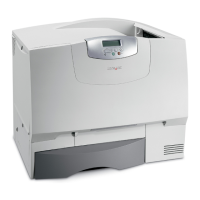
Multifunction printers
e‑Task 3 printers e‑Task 2+ printers
e‑Task 2 printers
1
e‑Task printers X642 printers
• X548x
3,4,5,6
• 6500x
3,4,5,6
• X792x
3,4,5,6
• X925x
3,4,5,6
• X950x
3,4,5,6
• X952x
3,4,5,6
• X954x
3,4,5,6
Note: For more information about the latest
device and firmware level support with LDD, see
the Readme file.
• X463x
2,3,4,5
• X464x
2,3,4,5
• X466x
2,3,4,5
• X651x
3,4,5
• X652x
3,4,5
• X654x
3,4,5
• X656x
3,4,5
• X658x
3,4,5
• X734x
3,4,5
• X736x
3,4,5
• X738x
3,4,5
• X860x
2,3,4,5
• X862x
2,3,4,5
• X864x
2,3,4,5
• X644x
3,5
• X646x
3,5
• X772x
• X782x
3,5
• X850x
3,5,6
• X852x
3,5,6
• X854x
3,5,6
• X940x
3,5,6
• X945x
3,5,6
• X620x
1
• X632x
1
• X634x
1
• X752x
1
• X820x
1
• X830x
1
• X832x
1
• X912x
1
X642x
2,3
1
These printers may be identified as corresponding single‑function (“C,” “T,” or “W”) models in Lexmark Management
Console. Scanning functionality is not affected.
2
These printers may require additional memory to support eSF applications.
3
Supports Simplified Chinese prompting
4
Supports Traditional Chinese prompting
5
Supports Korean prompting
6
Supports Japanese prompting
Single‑function printers
1
e‑Task 2+ printers with a touch screen e‑Task 2 printers without a touch screen
Supported
printers
T656x
• T654x
• W850x
1
Single‑function printers do not support all prompts supported by multifunction printers. Lists of supported prompts are
included here.
Lexmark Document Distributor overview 14



 To Next Page