EasyManua.ls Logo

Lexmark M5150 - User Manual

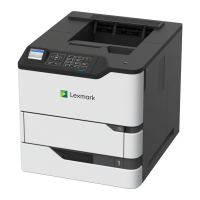
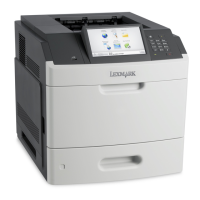
Lexmark M5150
949 pages
Print Icon
To Next Page IconTo Next Page
Loading...
MS71x, MS81x, & M51xx
Machine Type 4063-2xx, -4xx, -63x, -83x
Service Manual
Start diagnostics
Maintenance
Safety and notices
Trademarks
Index
August 23, 2013 www.lexmark.com
P/N 12G3023

Table of Contents

Questions and Answers

  • D
    Desiree ScottJul 31, 2025
    How to fix 'Close Door or Insert Cartridge' error on Lexmark M5150 Printer?
    • S
      Sheena HinesJul 31, 2025
      If your Lexmark Printer displays a 'Close Door' or 'Insert Cartridge' message, make sure that the front access door is completely closed and the print cartridge is properly inserted.

Lexmark M5150 Specifications

General IconGeneral
BrandLexmark
ModelM5150
CategoryPrinter
LanguageEnglish

Related product manuals