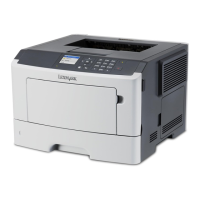
Erasing volatile memory
The volatile memory (RAM) installed in your printer requires a power source to retain information. To erase the buffered
data, simply turn off the printer.
Erasing non‑volatile memory
1 Turn off the printer.
2 Open the front door of the printer and hold down while turning the printer on. Release only when the
printer control panel light sequence matches the light sequence in the following illustration.
‑ On
‑ On
‑ On
‑ On
Securing the printer 77


 To Next Page