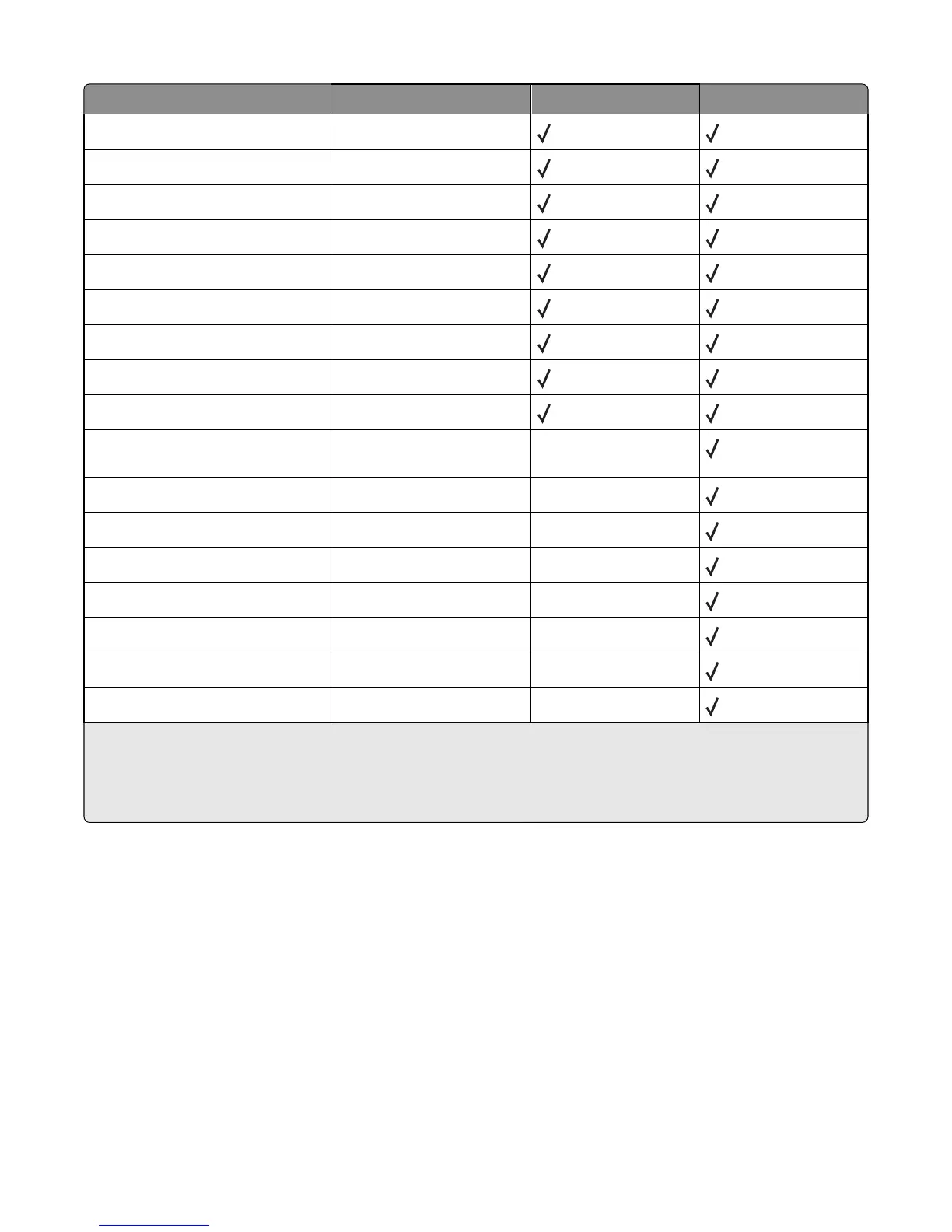
Paper size
1
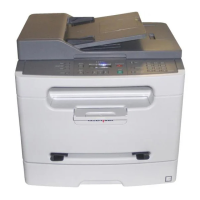
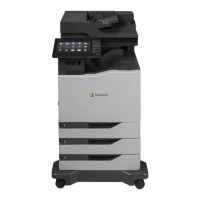
Dimensions Paper tray (250 sheets) Manual feeder (1 sheet)
A4 210 x 297 mm (8.3 x 11.7 in.)
A5
2
148 x 210 mm (5.8 x 8.3 in.)
Executive 184 x 267 mm (7.3 x 10.5 in.)
Folio 216 x 330 mm (8.5 x 13 in.)
JIS B5
2
182 x 257 mm (7.2 x 10.1 in.)
Legal 216 x 356 mm (8.5 x 14 in.)
Letter 216 x 279 mm (8.5 x 11 in.)
Oficio 216 x 340 mm (8.5 x 13.4 in.)
Statement
2
140 x 216 mm (5.5 x 8.5 in.)
Universal 76.2 x 127 mm (3 x 5 in.) up to
216 x 356 mm (8.5 x 14 in.)
X
3
B5 Envelope 176 x 250 mm (6.9 x 9.8 in.) X
C5 Envelope 162 x 229 mm (6.4 x 9 in.) X
DL Envelope 110 x 220 mm (4.3 x 8.7 in.) X
7 3/4 Envelope (Monarch) 98 x 191 mm (3.9 x 7.5 in.) X
9 Envelope 98 x 225 mm (3.9 x 8.9 in.) X
10 Envelope 105 x 241 mm (4.1 x 9.5 in.) X
Other Envelope 229 x 356 mm (9 x 14 in.) X
1
If a paper size you want to use is not listed, configure a Universal paper size. For more information, see “Configuring
Universal paper settings” on page 30.
2
Grain long only.
3
Supports only sizes for which the paper guide tabs can be adjusted to lightly touch the side of the paper stack.
Paper and specialty media guidelines
42



 To Next Page