123
3
3-2. Opening, closing and locking the doors and trunk
Before driving
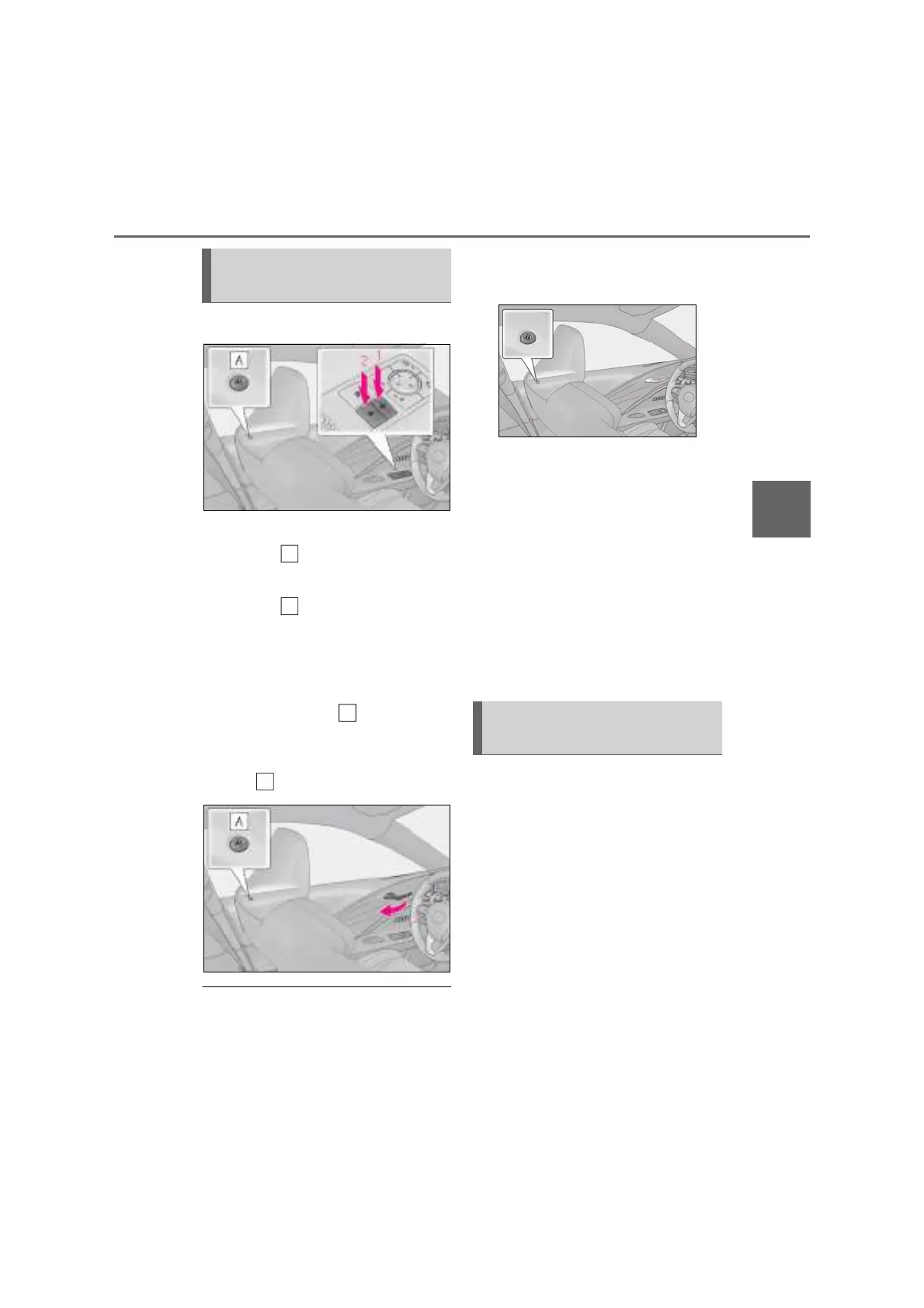
■ Door lock switches
1 Locks both side doors
The indicator comes on.
2 Unlocks both side doors
The indicator turns off.
■ Inside door handles
Pull the inside door handle to unlock
the door.
The door lock indicator turns off.
The driver’s door can be opened by pulling
the inside door handle even if the door lock
indicator illuminates.
■ Door lock indicator
The door lock indicator turns on when the
door is locked. If the door lock indicator illu-
minates for more than 30 seconds while
the engine switch <power switch> is off, the
door lock indicator will automatically turn
off.
■ If a symbol indicating one or both side
doors open is shown on the multi-infor-
mation display
The hood, one or both side doors, or trunk
is not fully closed. If the vehicle reaches a
speed of 5 km/h (3 mph), the master warn-
ing light flashes and a buzzer sounds to indi-
cate that the door(s) are not fully closed.
Make sure to close hood, both side doors
and trunk.
■ Customization
The time elapsed before the door lock indi-
cator turns off can be changed.
(Customizable features: P.436)
The following functions can be set or
canceled:
For instructions on customizing, refer to
P.436.
Unlocking and locking the doors
from the inside
A
A
Automatic door locking and
unlocking systems



 To Next Page