83
1
1-4. Theft deterrent system
For safety and security
■ Items to check before locking the
vehicle
To prevent unexpected triggering of
the alarm and vehicle theft, make sure
of the following:
Nobody is in the vehicle.
The windows are closed before the
alarm is set.
No valuables or other personal
items are left in the vehicle.
■ Setting
Close the doors, trunk and hood, and
lock both side doors using the entry
function or wireless remote control.
The system will be set automatically
after 30 seconds.
Except for South Africa and Malaysia,
the alarm can also be set using the
mechanical key.
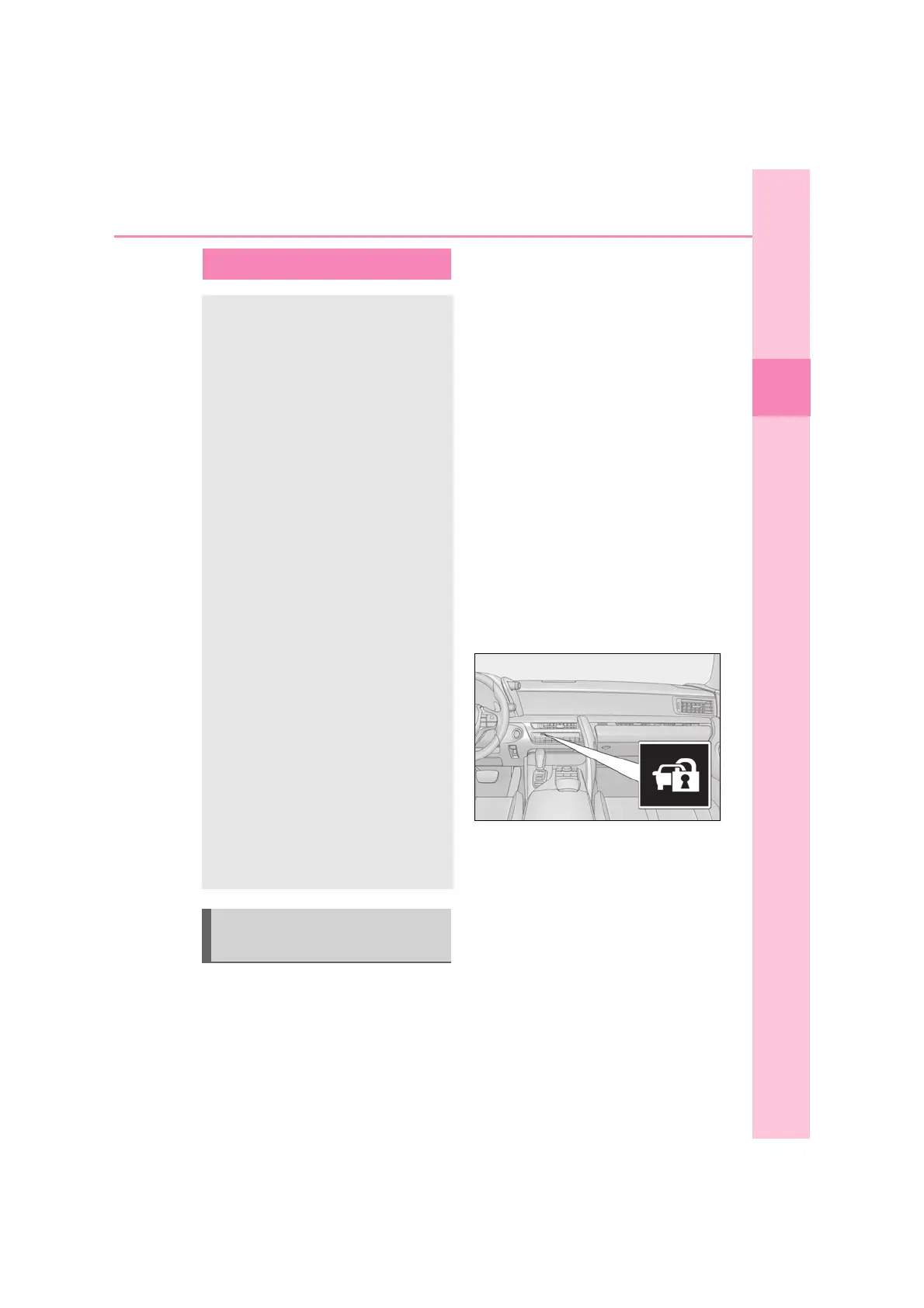
The indicator light changes from being on
to flashing when the system is set.
■ Canceling or stopping
Do one of the following to deactivate
or stop the alarm:
Except for South Africa and Malay-
sia: Unlock the doors or open the
trunk using the entry function, wire-
less remote control or mechanical
key.
For South Africa and Malaysia:
Unlock the doors using the entry
Alarm
The alarm uses light and sound to
give an alert when an intrusion is
detected.
The alarm is triggered in the follow-
ing situations when the alarm is set:
Except for South Africa and
Malaysia: A locked door or trunk
is unlocked or opened in any way
other than using the entry func-
tion, wireless remote control or
mechanical key. (The doors will
lock again automatically.)
For South Africa and Malaysia: A
locked door or trunk is unlocked
or opened in any way other than
using the entry function or wire-
less remote control. (The doors
will lock again automatically.)
The hood is opened.
The intrusion sensor detects
something moving inside the
vehicle. (Example: an intruder
breaks a window and gets into the
vehicle.)
The tilt sensor detects a change of
vehicle inclination.
Setting/canceling/stopping the
alarm system



 To Next Page