293
5
5-3. Using the air conditioning system
Interior features
: Display the seat heater/seat ventila-
tor control screen (if equipped)
: Display the Lexus Climate Con-
cierge control screen
: Display the option control screen
Adjust the left-hand side tempera-
ture setting
Adjust the fan speed setting
Select the air flow mode
: Air flows to the upper body
: Air flows to the upper body and feet
: Air flows to the feet
: Air flows to the feet and the wind-
shield defogger operates
Adjust the right-hand side tem-
perature setting
Function on/off indicators
When the function is on, the indicator illu-
minates on the control screen.
Sub function menu
When the sub function button on the
Remote Touch is pressed, the following
functions can be switched on and off.
: Set Lexus Climate Concierge
(P.288)
“AUTO”: Set automatic mode on/off
(P.295)
“Off”: Turn the fan off
“A/C”: Set cooling and dehumidification
function
“DUAL”: Adjust the temperature for driver
and passenger seats separately (“DUAL”
mode) (P.296)
: Changing the fan speed setting
during the automatic mode operation
(Blower customization) (if equipped)
: Set eco air conditioning mode
(if equipped)
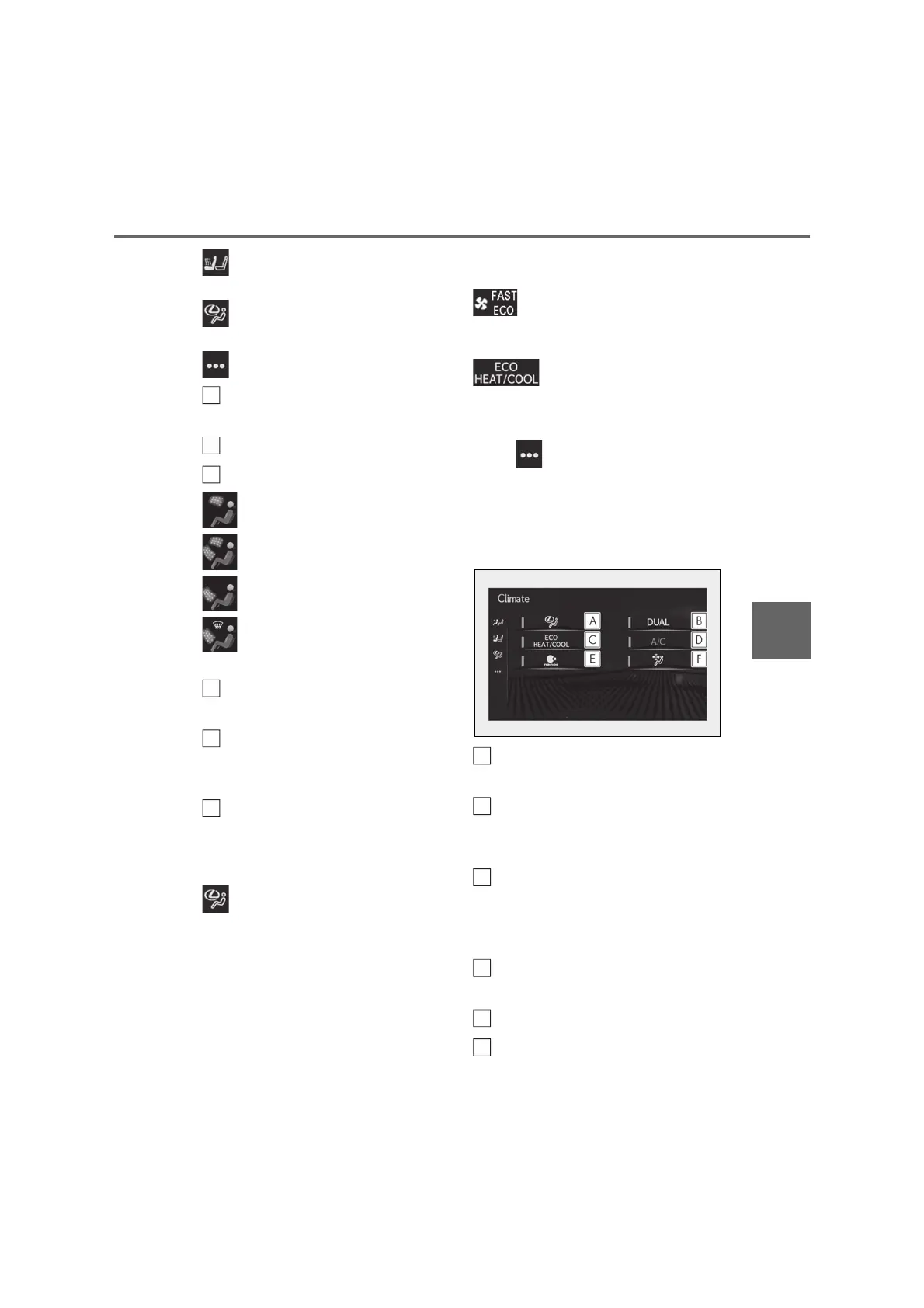
■ Option control screen
Select on the sub menu to display
the option control screen.
The functions can be switched on and off.
When the function is on, the indicator illu-
minates on the screen.
Set Lexus Climate Concierge
(P.288)
Adjusting the temperature for
driver and passenger seats sepa-
rately (“DUAL” mode) (P.296)
Set eco air conditioning mode (if
equipped)
Air conditioning and heater output is lim-
ited to prioritize fuel economy.
Cooling and dehumidification func-
tion
nanoe™
*
system on/off
Removing pollen from the air (Pol-
B
C
D
E
G
A
B
C
D



 To Next Page