287
5
5-1. Remote Touch
Interior features
■ Main display
For details about the functions and
operation of the main display, refer to
the respective section and “Navigation
System Owner’s Manual”.
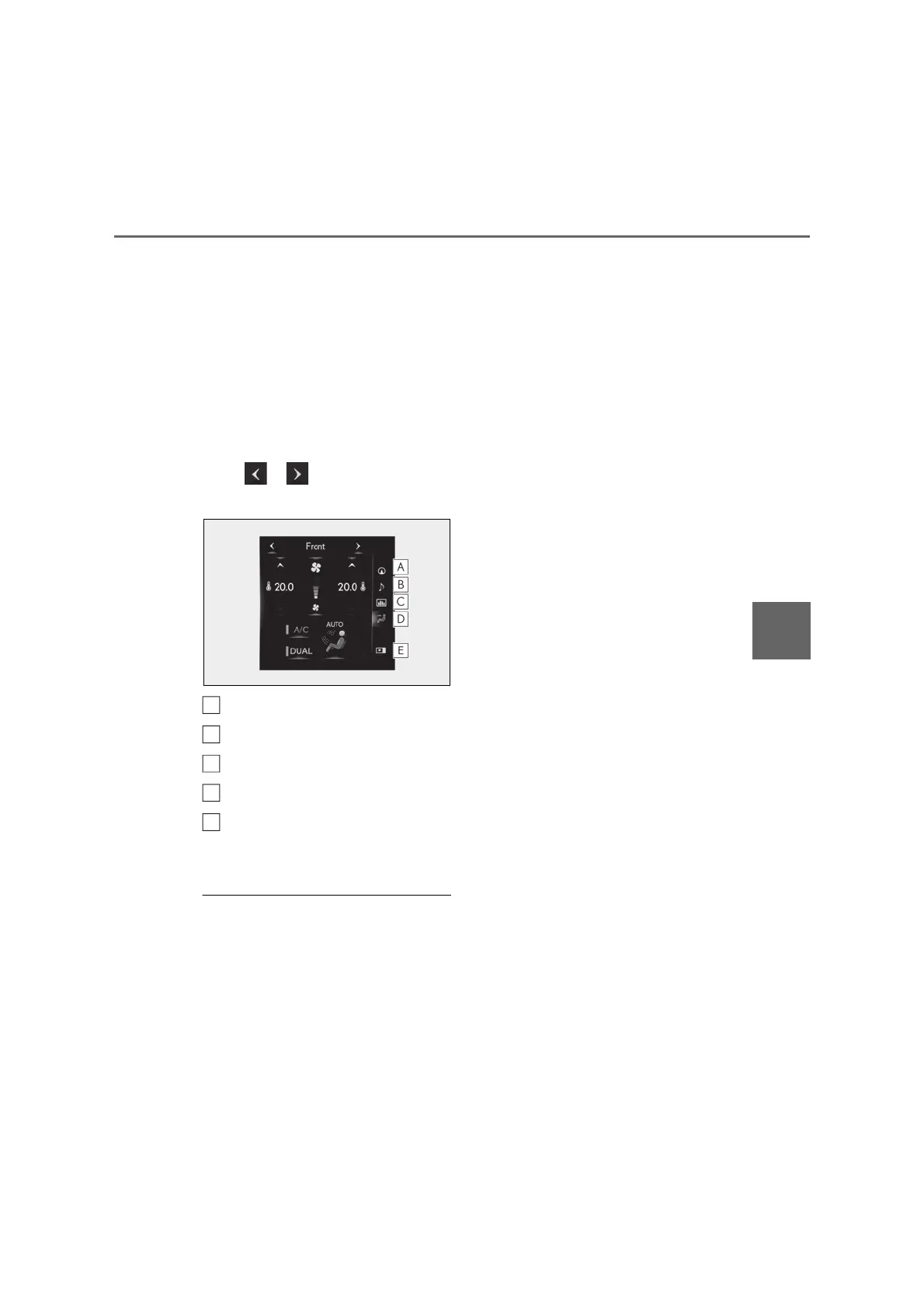
■ Side display
The following functions can be dis-
played and operated on the side dis-
play.
Select or to display the desired
screen.
Navigation system
*
Audio
*
Vehicle information (P.113)
Air conditioning system (P.294)
Show/hide the side display
*
: Refer to the “Navigation System
Owner’s Manual”.
■ Screen display during low temperatures
When the ambient temperature is
extremely low, screen response may be
delayed even if the Remote Touch is oper-
ated.
A
B
C
D
E



 To Next Page