Finish
AUDIO
273
TRAF (Traffic) function: A station that regularly
broadcasts traffic information is automatically located.
When you push the “TRAF” button, “TRAF SEEK” appear on
the display and the radio will start seeking any traffic program
station.
If no traffic program station is found, “NO TRAF INFO” appears
on the display for a few seconds and the display returns to the
previous mode.
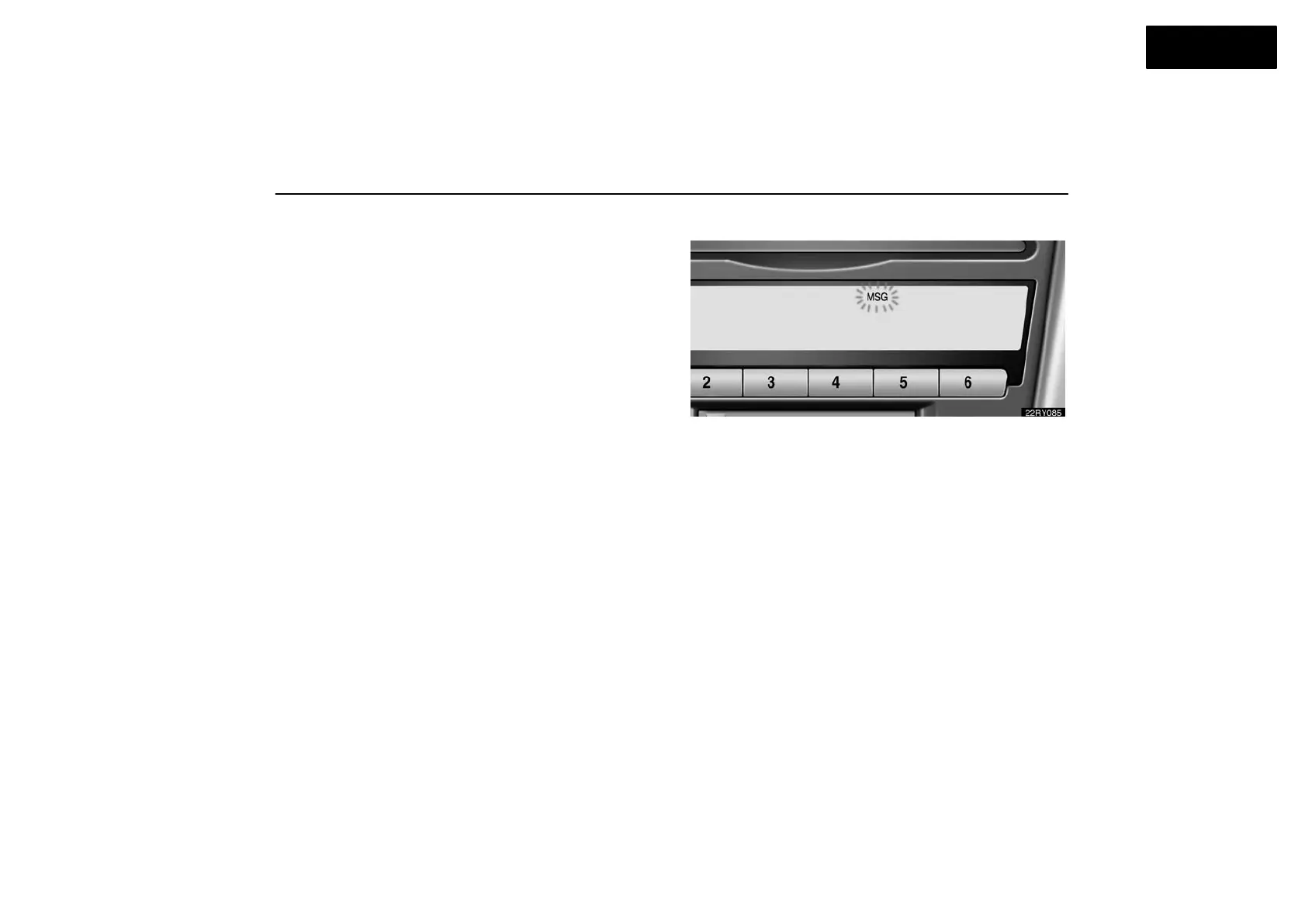
Radio text message:
If the radio receives a radio text from RDS station, “MSG”
appears on the display. Push the “TEXT” button, and a text
message is displayed.
If the entire the message is not displayed, “” will appear on
the display. To display the rest of the message, push and hold
the “TEXT” button until you hear a beep.
After the entire message has been displayed, the message will
disappear.
In case a text message is not accepted on the display, you can
push the “TEXT” button and hold it to display the rest of the
message.



 To Next Page