Finish
AUDIO
327
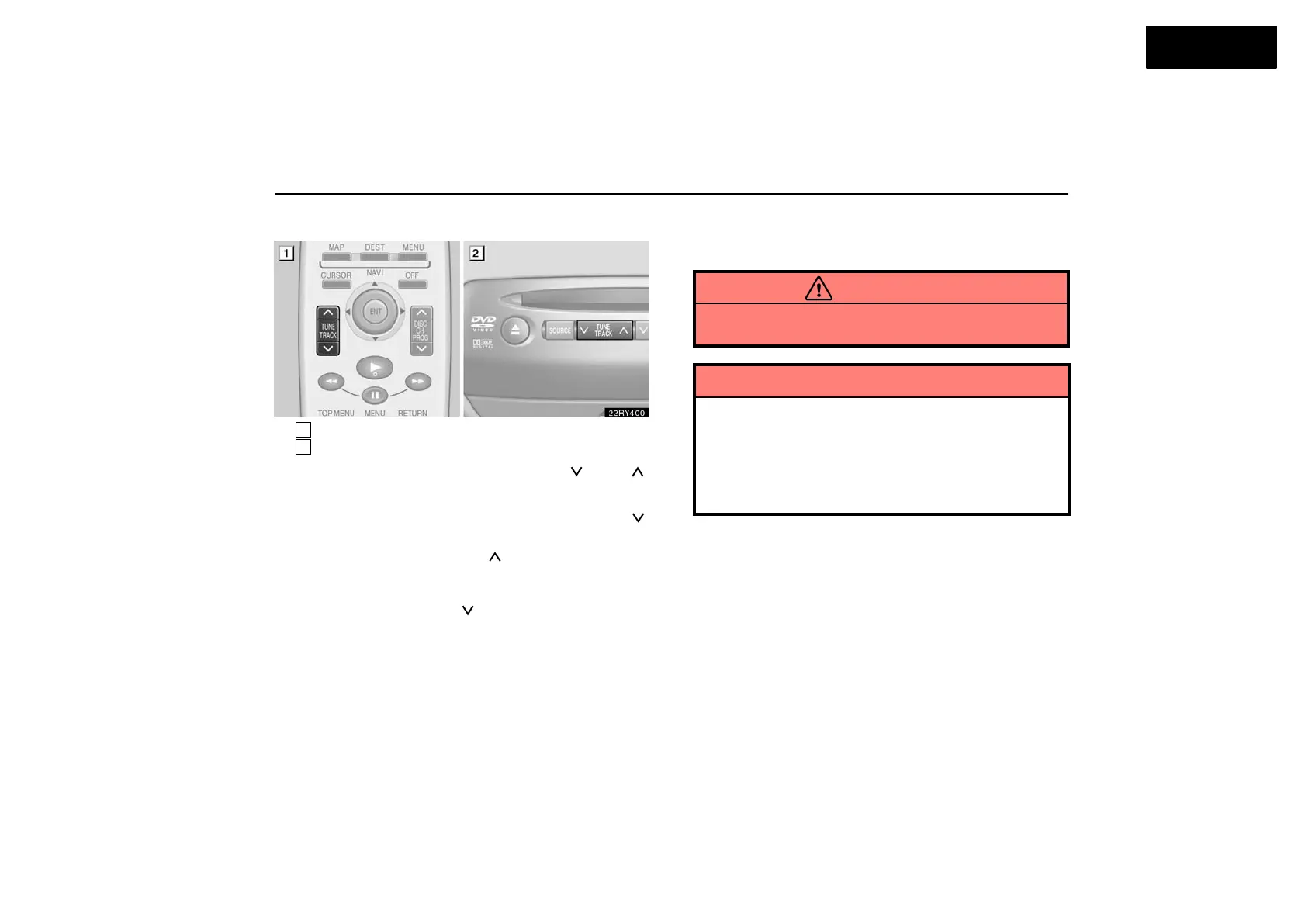
(c) Selecting a desired track
1
Remote control button
2
DVD player unit
To select a desired track: Push the “
” or “ ”
(TUNE/TRACK) button until the number of the track you want
to listen to appears on the screen. If you want to return to the
beginning of the current track, quickly push the “
”
(TUNE/TRACK) button or switch one time.
“Fast forward” button: Push the “
” (TUNE/TRACK) button
and hold it to fast forward the CD. When you release the
button, the CD player will resume playing from that position.
“Reverse” button: Push the “
” (TUNE/TRACK) button and
hold it to reverse the CD. When you release the button, the CD
player will resume playing.
Replacing remote control battery
For replacement, use 3 AA batteries.
CAUTION
Special care should be taken that small children do not
swallow the removed battery or components.
NOTICE
When replacing the battery, be careful not to lose the
components.
Replace only with the same or equivalent type of
battery recommended by a Lexus dealer.
Dispose of used batteries according to local
regulations.



 To Next Page