Finish
AUDIO
346
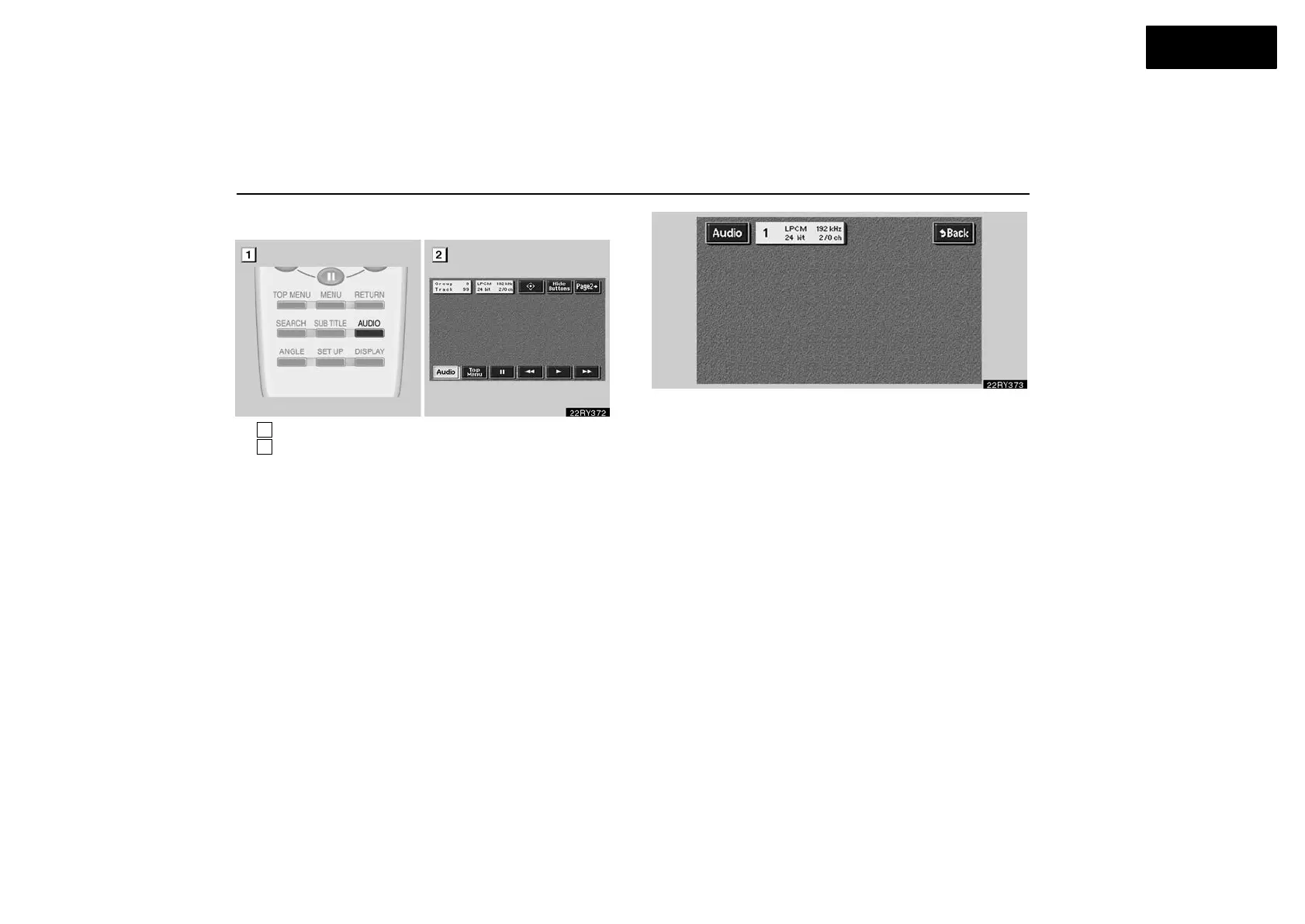
(i) Changing audio format
1
Remote control button
2
Screen switch
DVD audio only —
Push the “Audio” switch on the screen or the “AUDIO”
button on the remote control and the changing audio
format screen will appear.
Each time you touch “Audio” switch, another audio
format stored on the disc is selected.
Push the “Back” switch to return to the previous screen.



 To Next Page